Examples
49 small scenes that each show one part of the engine. Every example runs in the browser next to its source, and the same files are the engine's regression suite.
Scenes
Scene lifecycle, switching, layers and Y-sorting.
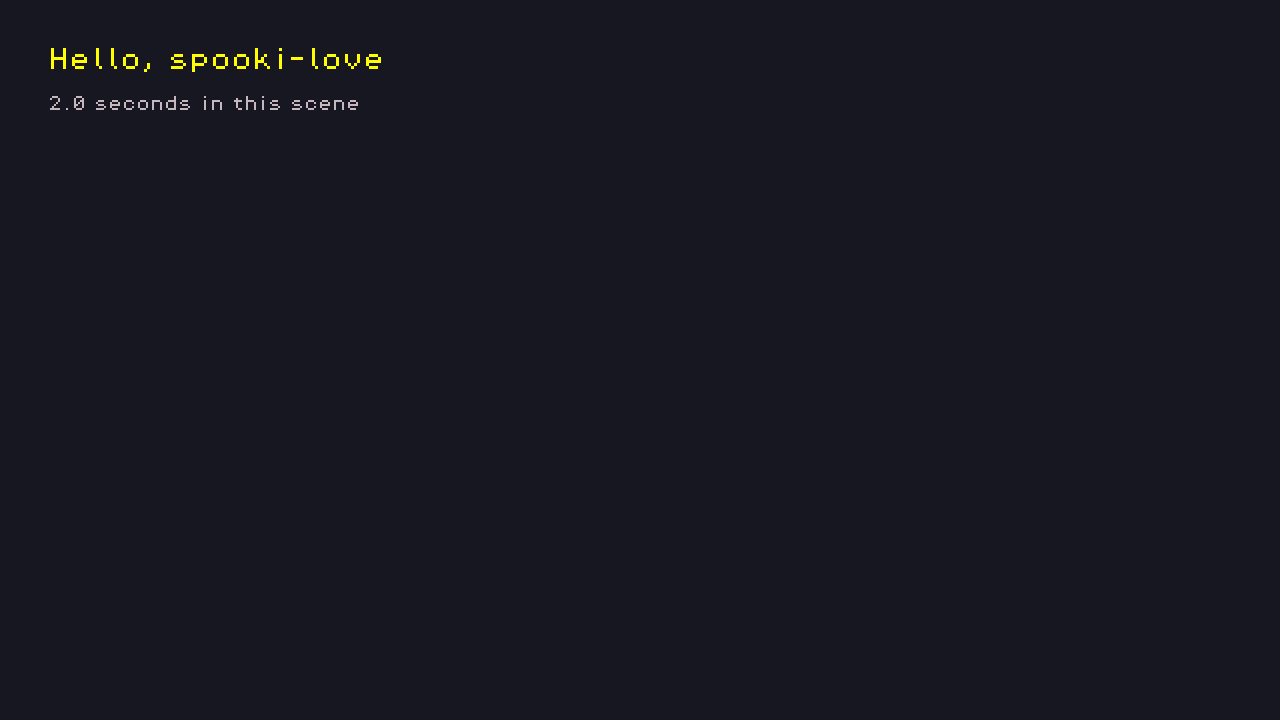
A minimal scene
The smallest scene: a background colour, an update counter and text drawn in draw().
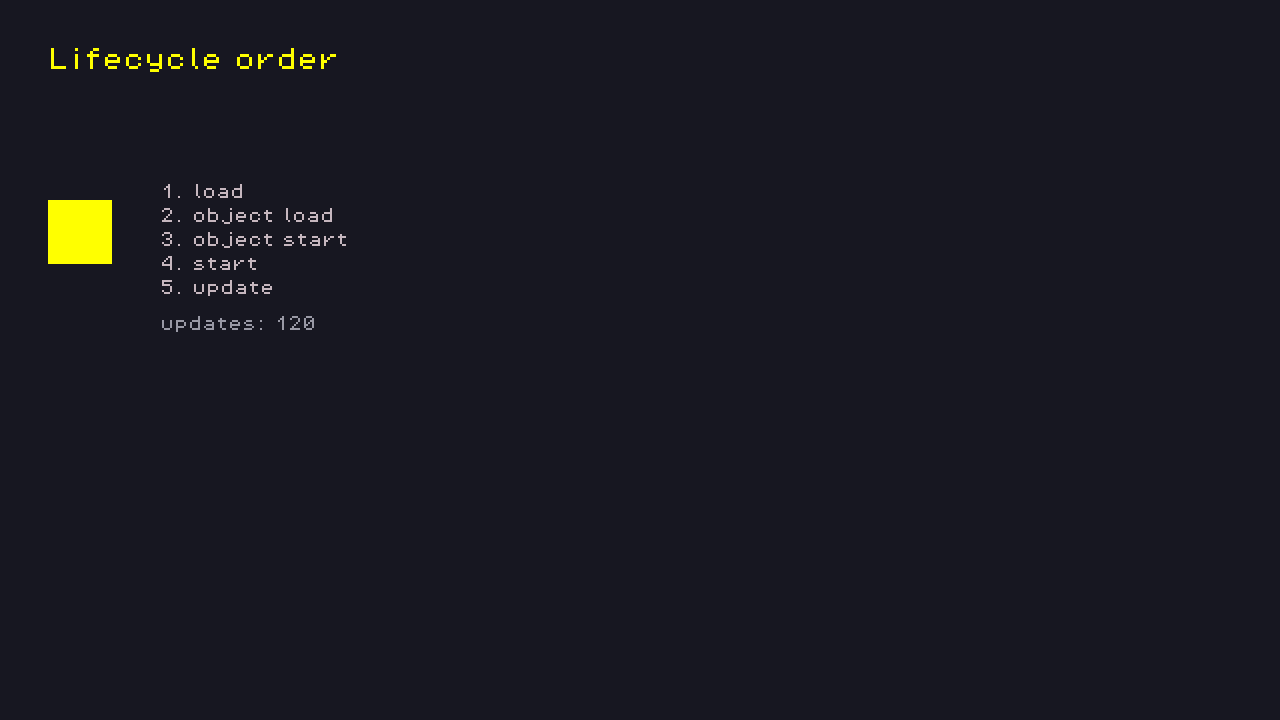
Lifecycle hooks
The order in which load, start and update run on a scene and its game objects, logged on screen.
Switching scenes
Registers a second scene at runtime and switches between the two with the action button.
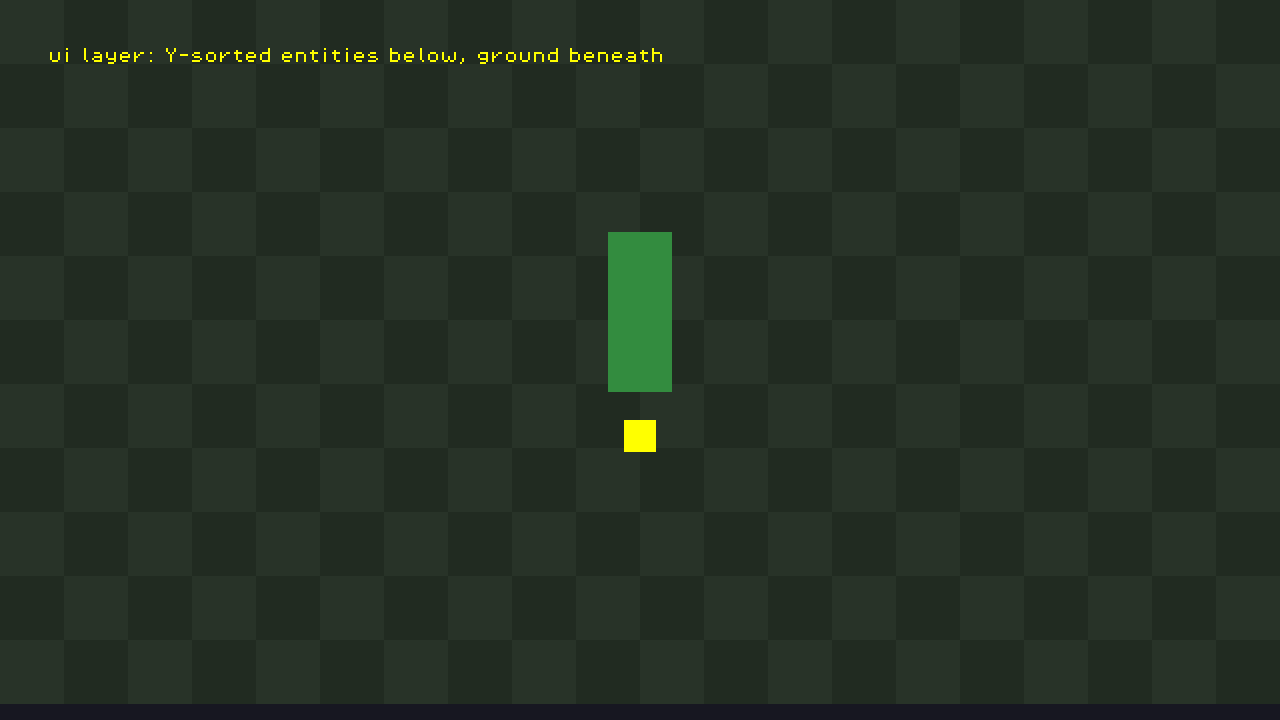
Layers and Y-sorting
Ground, entities and ui layers; entities sort by their feet so a ghost passes behind, then in front of, a tree.
Game objects
Declarative rendering, movement, parents and children, mouse events.
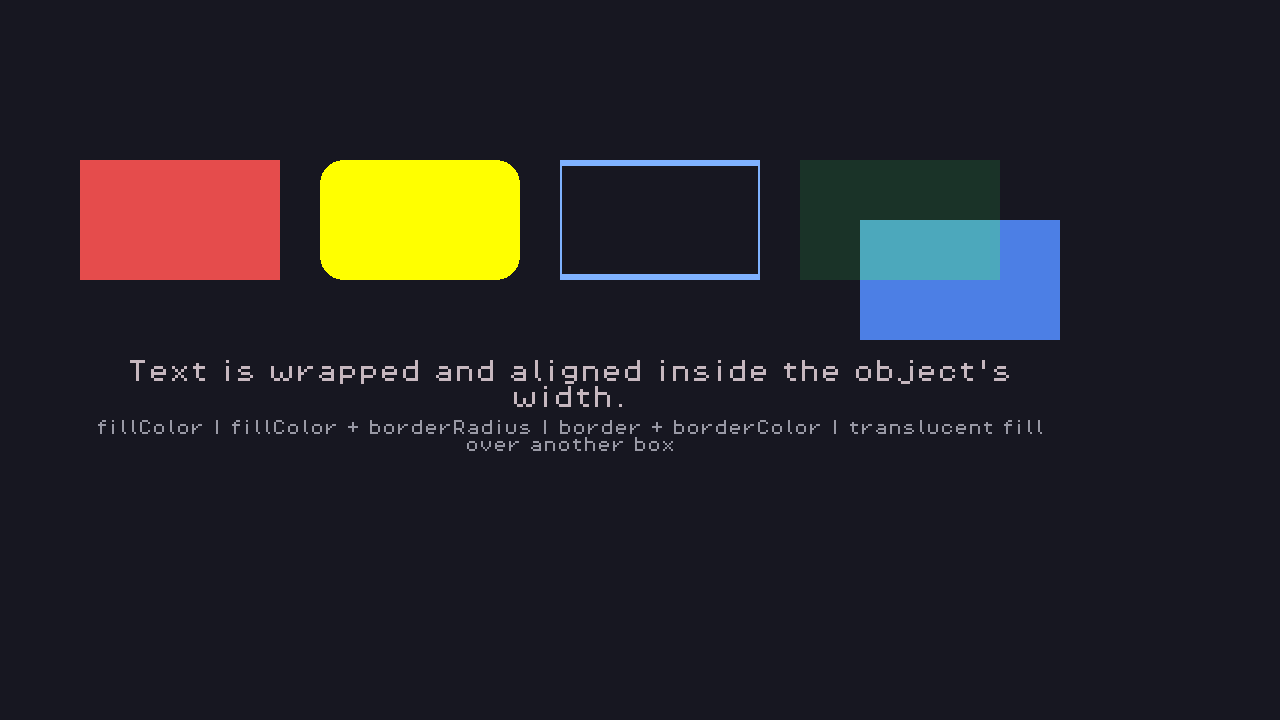
Rectangles, borders and text
Declarative rendering: set fillColor, borderRadius, border, textColor and font on a GameObject and the renderer draws it.

Moving with dt
A rectangle moves at a constant speed and bounces off the edges of the window.
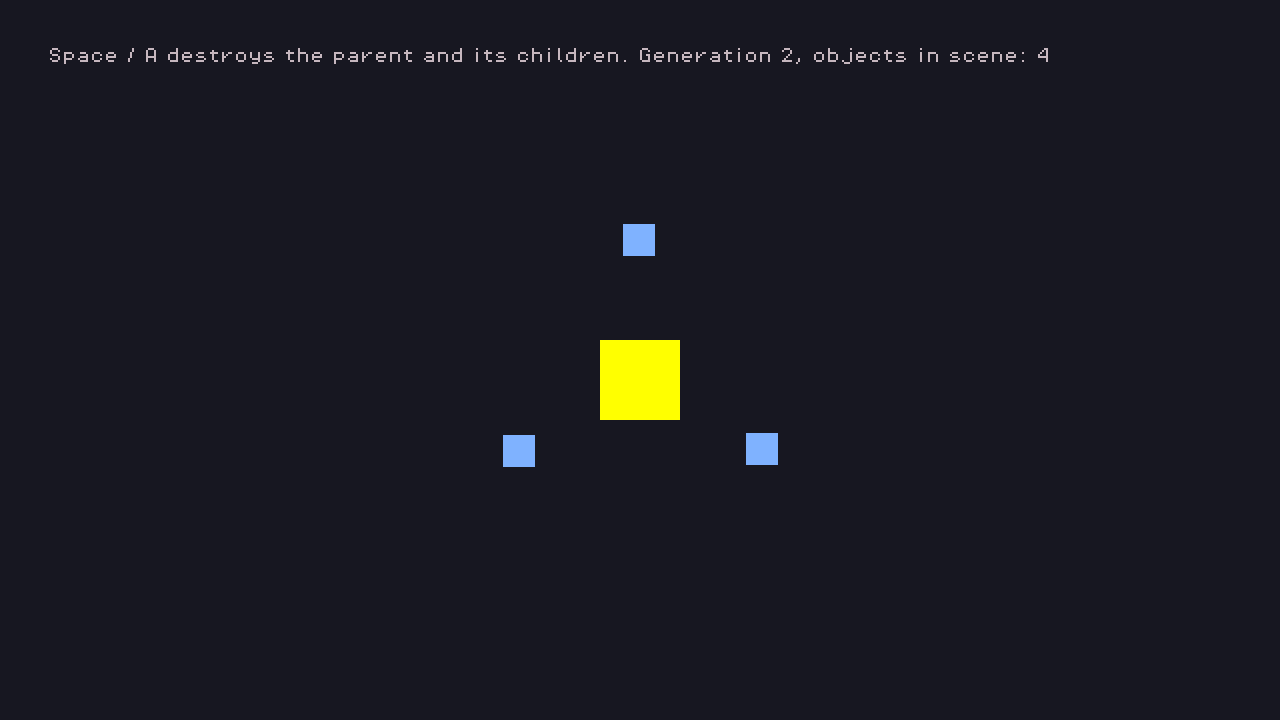
Parent and child objects
A parent adds children with addGameObject and moves them; destroying the parent destroys the children, then a new family spawns.
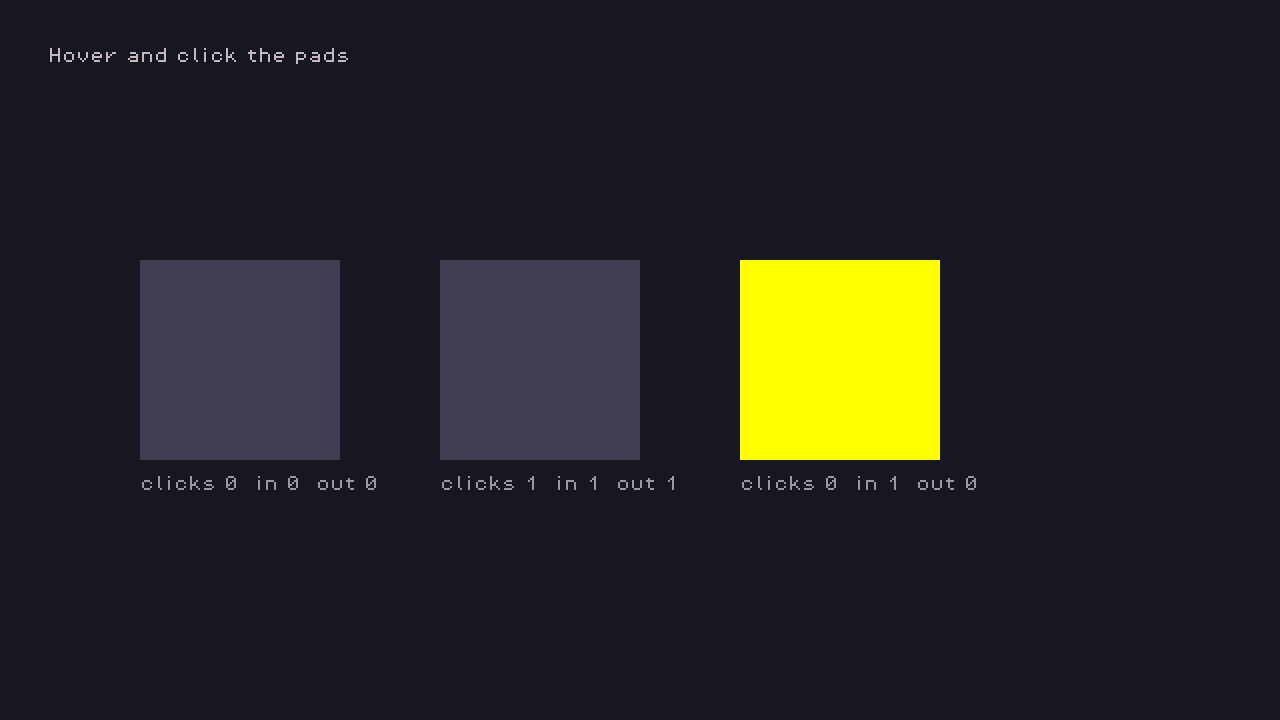
Hover and click
Objects that define onMouseEntered, onMouseExit and onClick receive mouse events automatically.
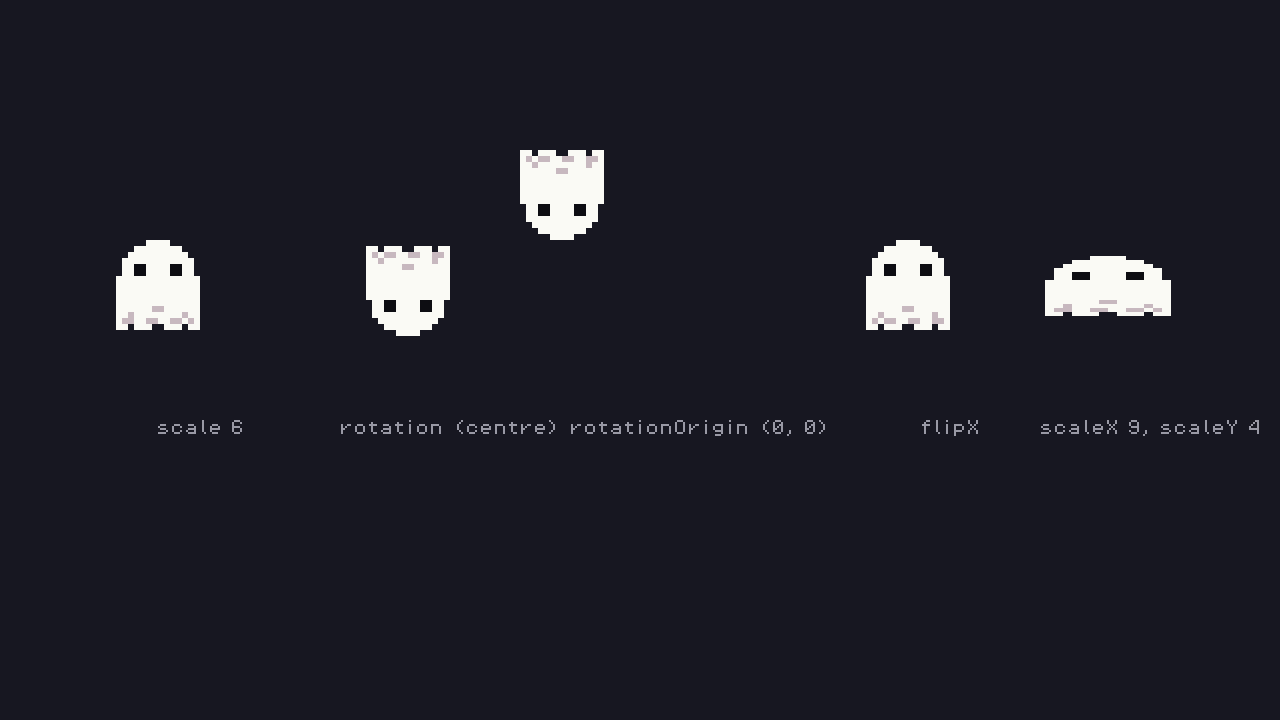
Rotation, scale and flip
Sprites from a spritesheet quad drawn with rotation, rotationOrigin, scaleX/scaleY and flipX.
Tiling an image
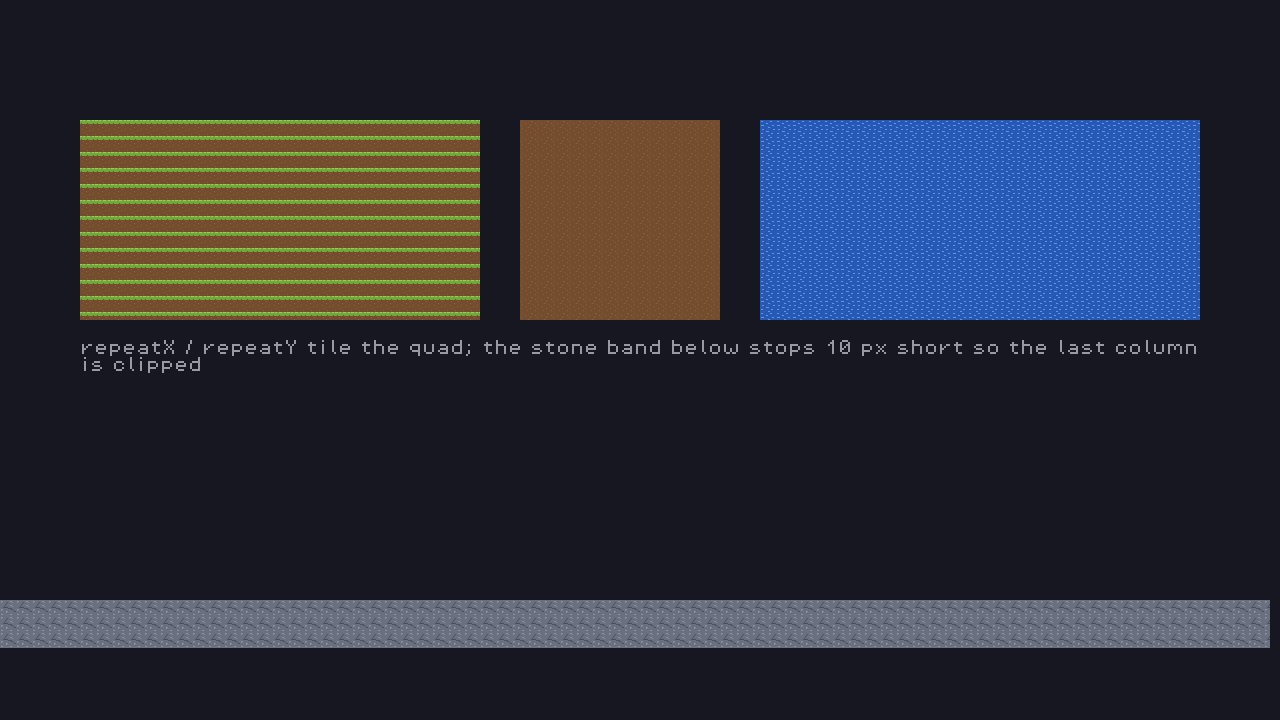
repeatX and repeatY tile a quad across an area, clipping the last partial tile.
Custom draw()
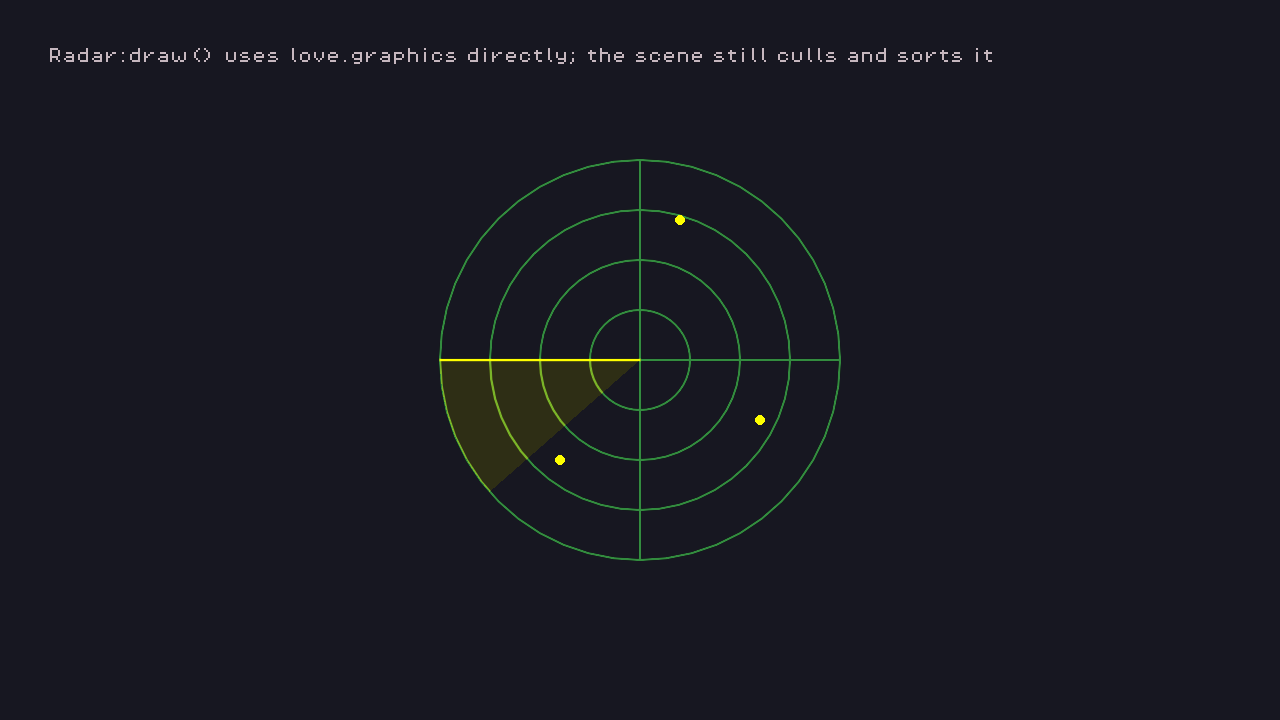
Override draw() on a GameObject to render anything with love.graphics, in world space, in sort order.
Animation
Spritesheets, the AnimationManager and easing curves.
Spritesheet quads
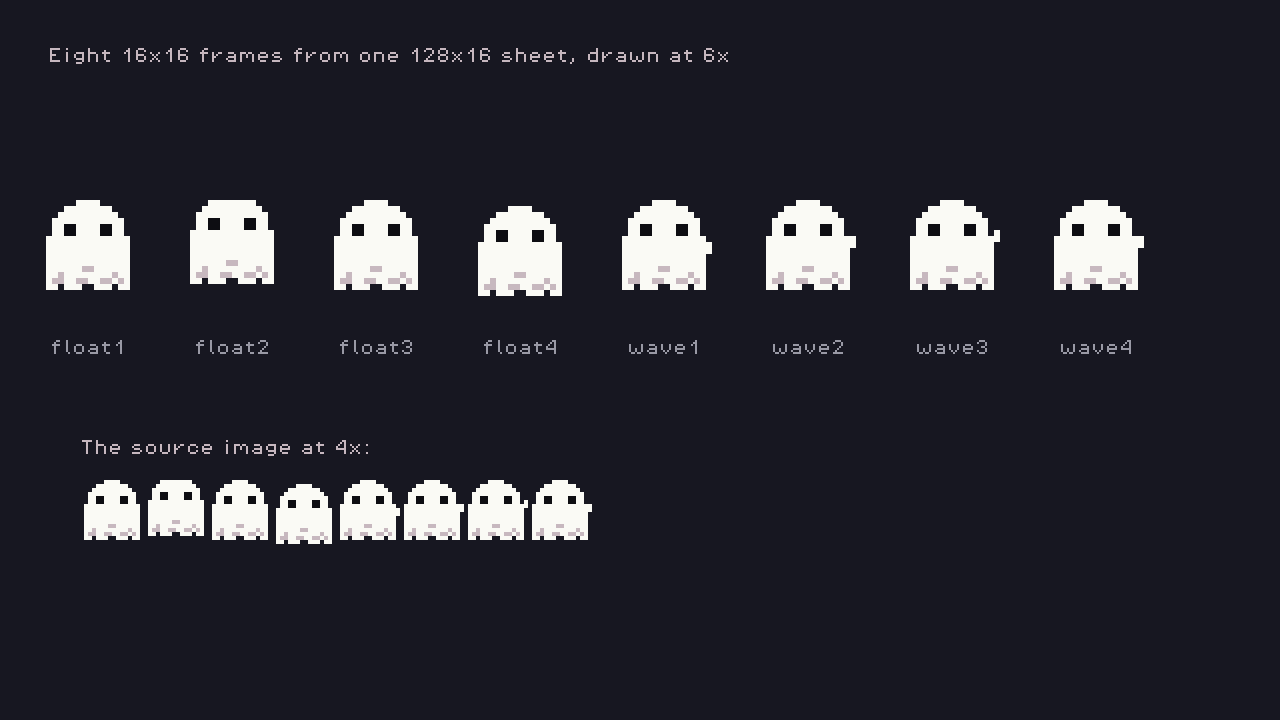
A spritesheet preloaded with named frames; each frame is drawn by setting spritesheet and quad on an object.
Playing an animation
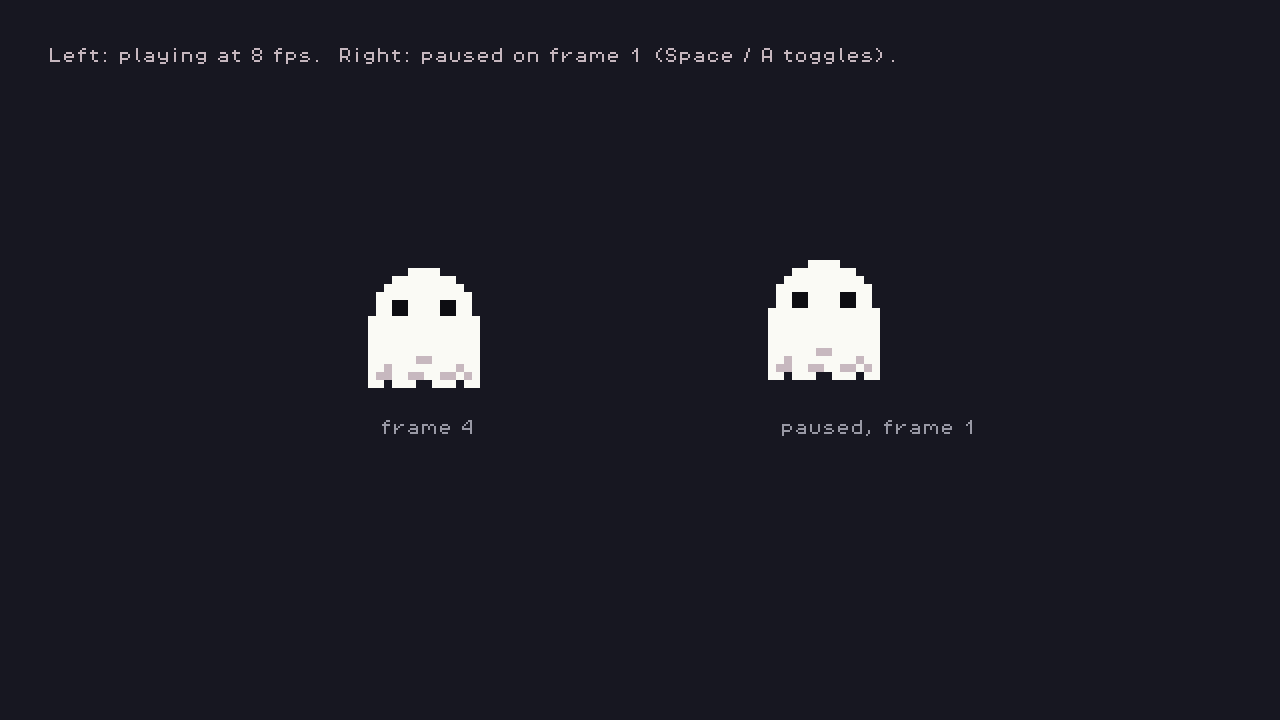
Every GameObject owns an AnimationManager: add frames, set one, update it each frame and draw it.
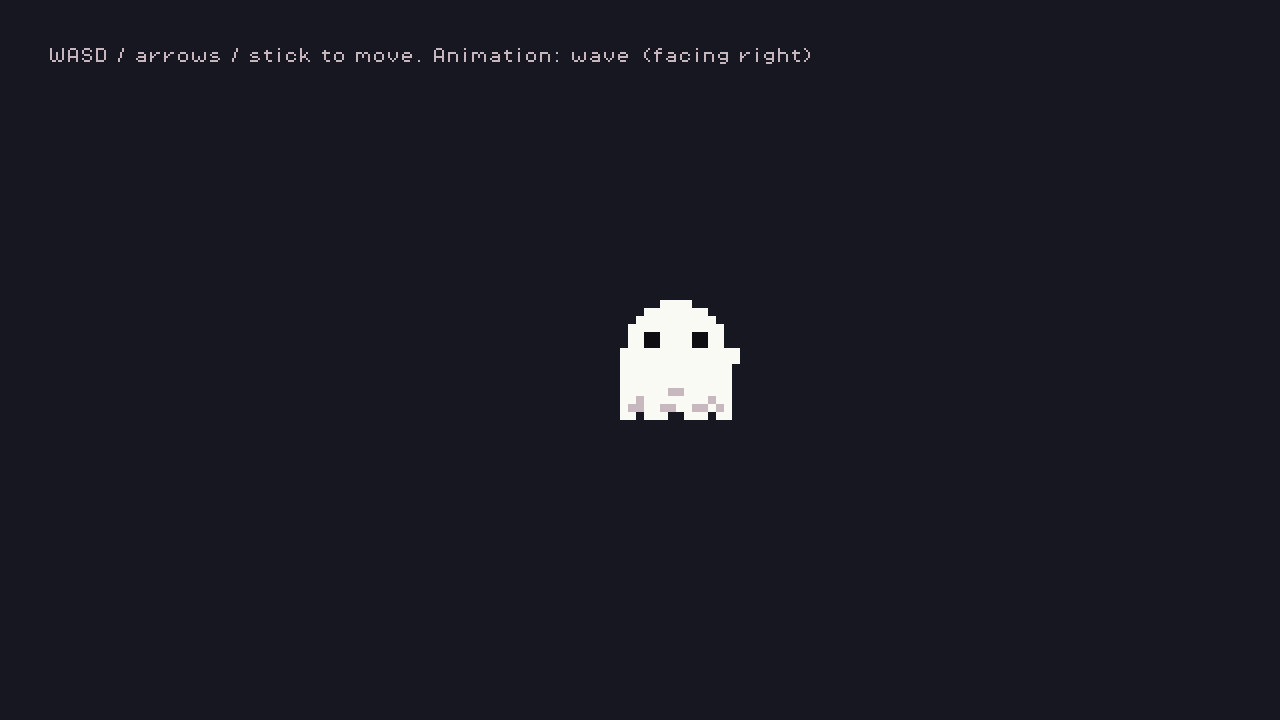
Switching animations by state
A ghost floats when idle and waves while moving, flipping to face the direction of travel.
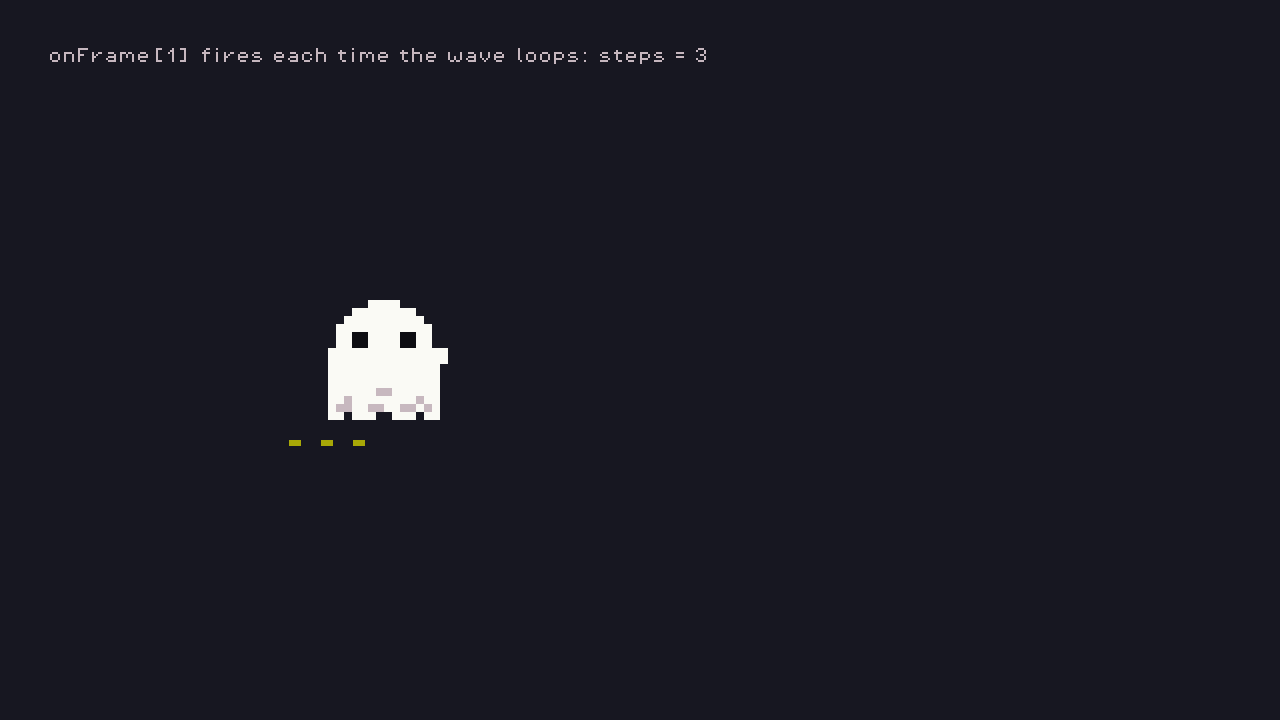
Per-frame callbacks
onFrame callbacks fire when an animation reaches a frame; here each loop leaves a footprint.
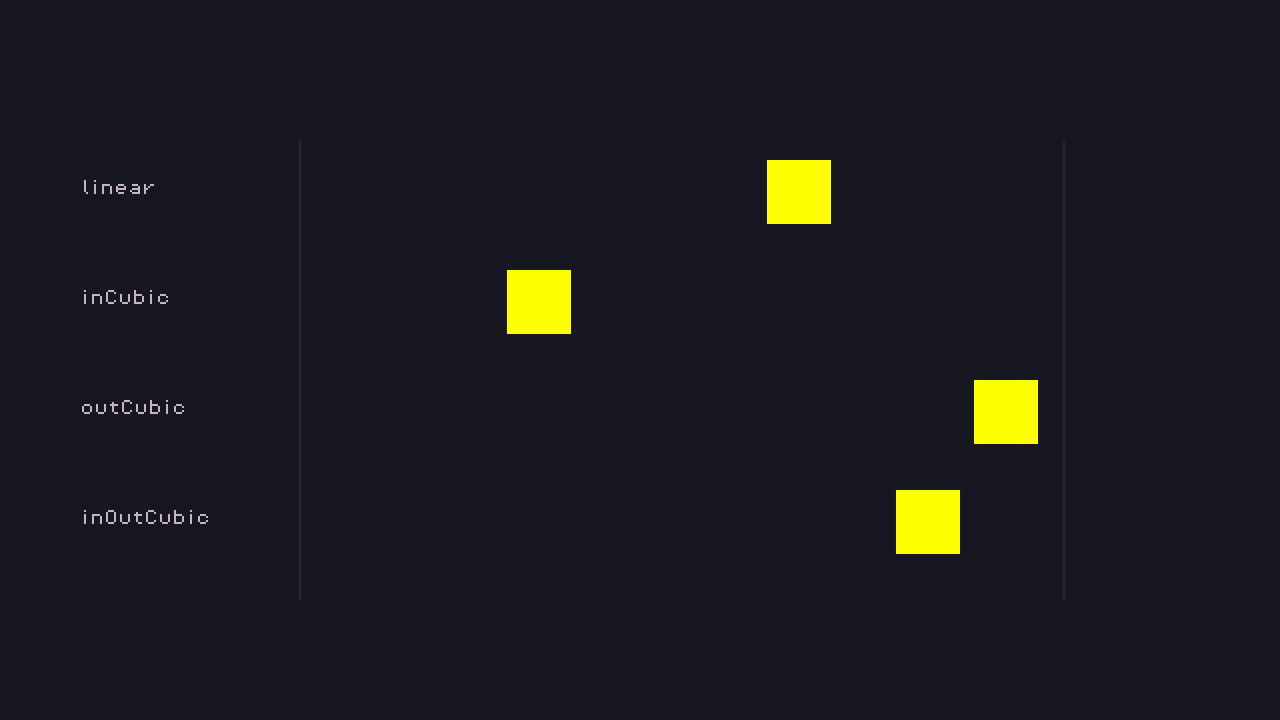
Easing a value
The easing curves in engine/utils/easing move four boxes from left to right and back.
Camera
Following, zooming, world versus screen space and shake.
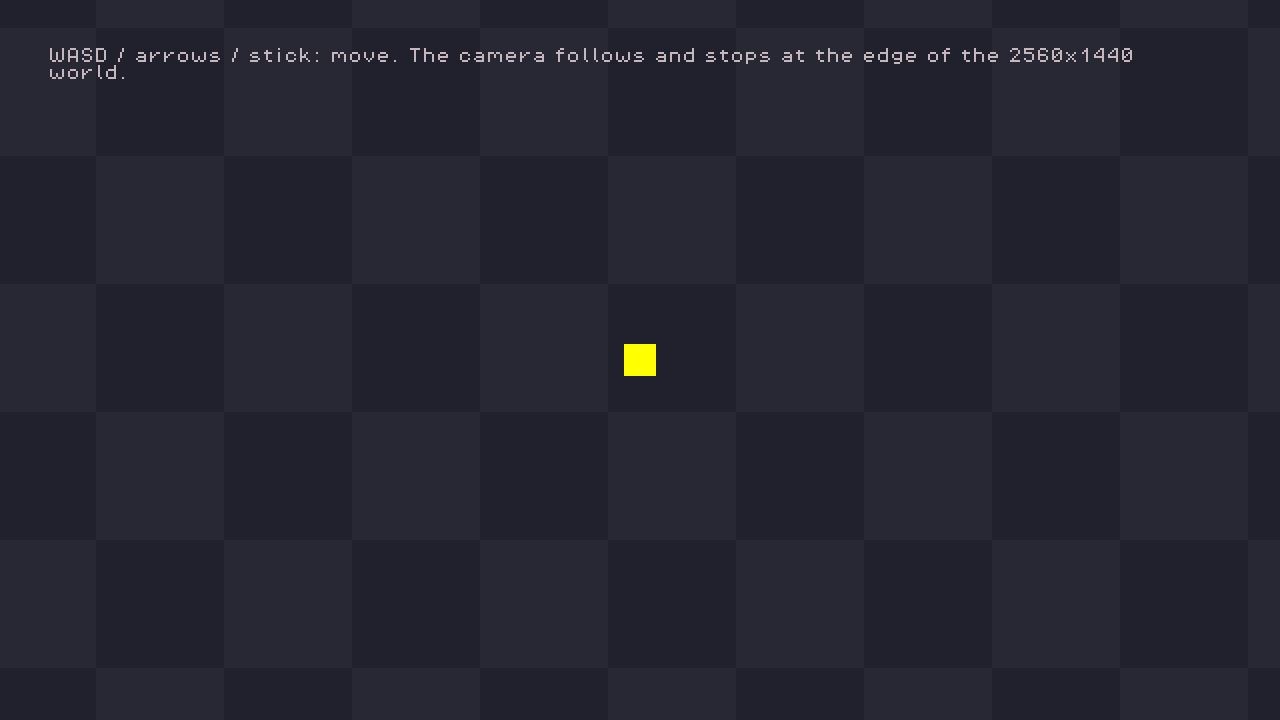
Follow target
camera:followTarget keeps the player centred and clamps the view to the world bounds.
Zoom
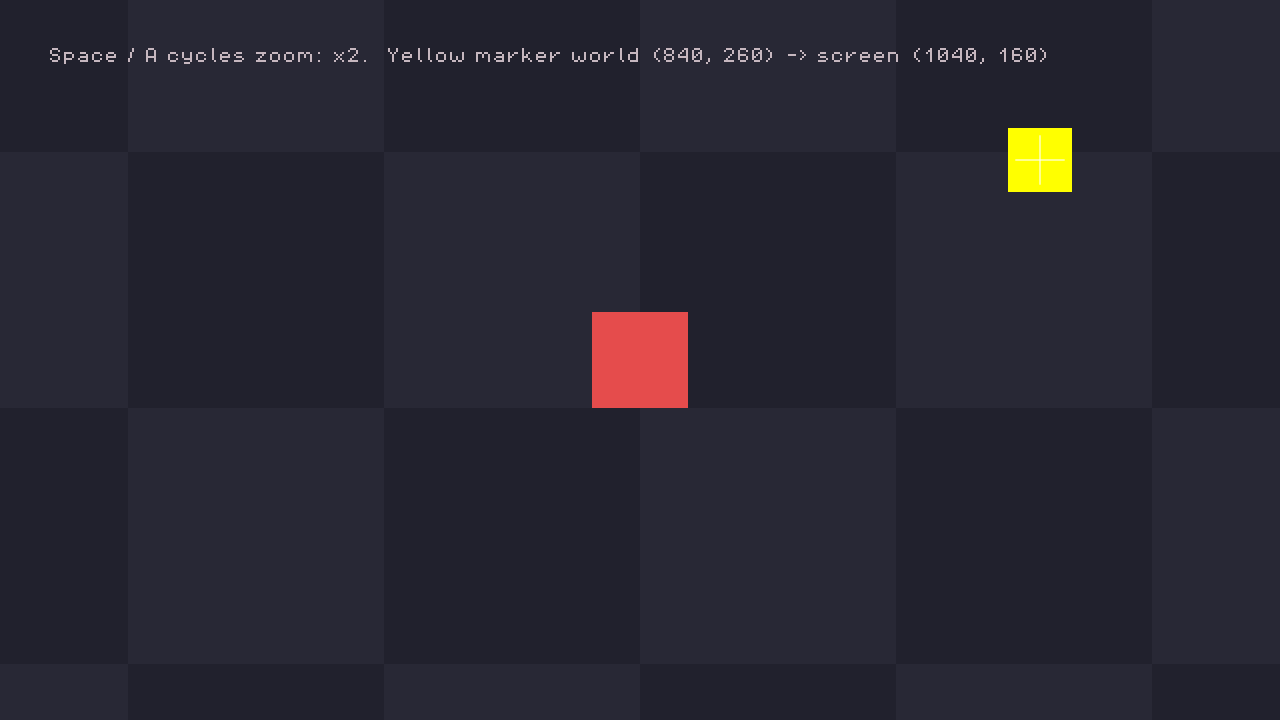
setZoom magnifies the world about the screen centre; worldToScreen maps a world point to the screen.
World versus screen space
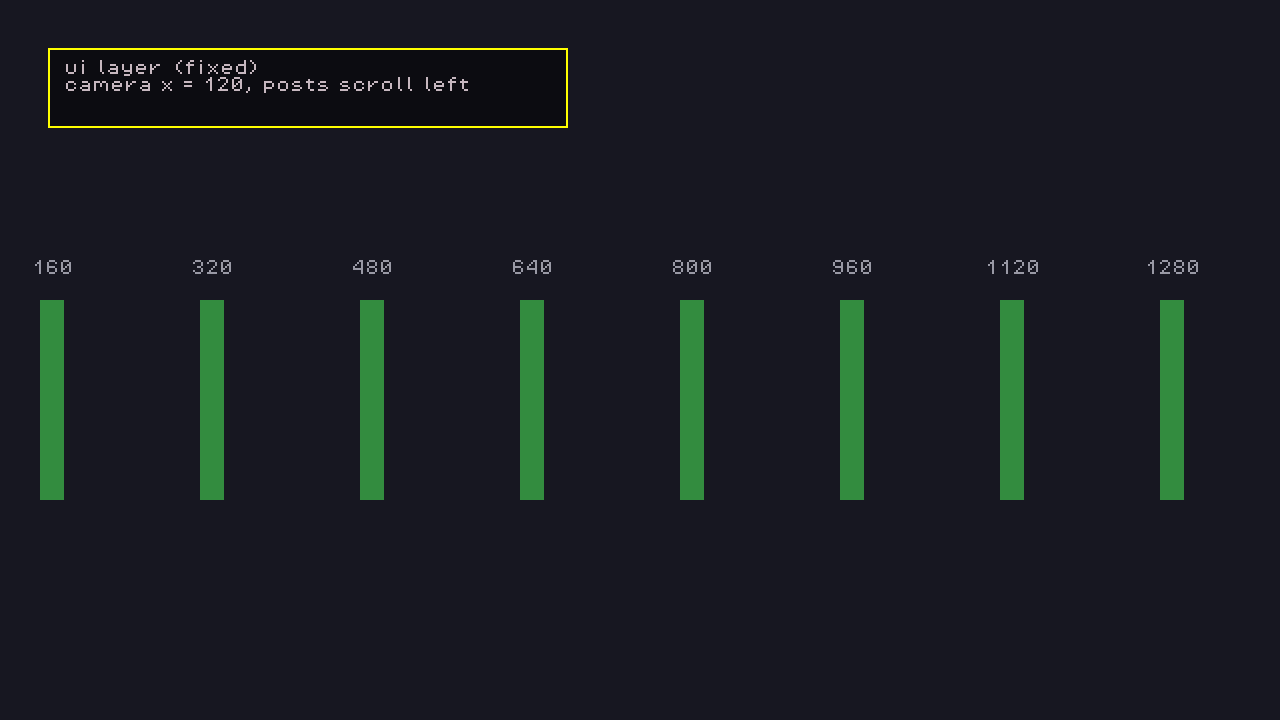
The camera scrolls; entities move with it while objects on the ui layer stay fixed on screen.
Screen shake
Trauma-based shake: offsets the camera by seeded random amounts that decay back to rest.
Input
Action-based input, events, prompts, rebinding and focus.
Polling actions
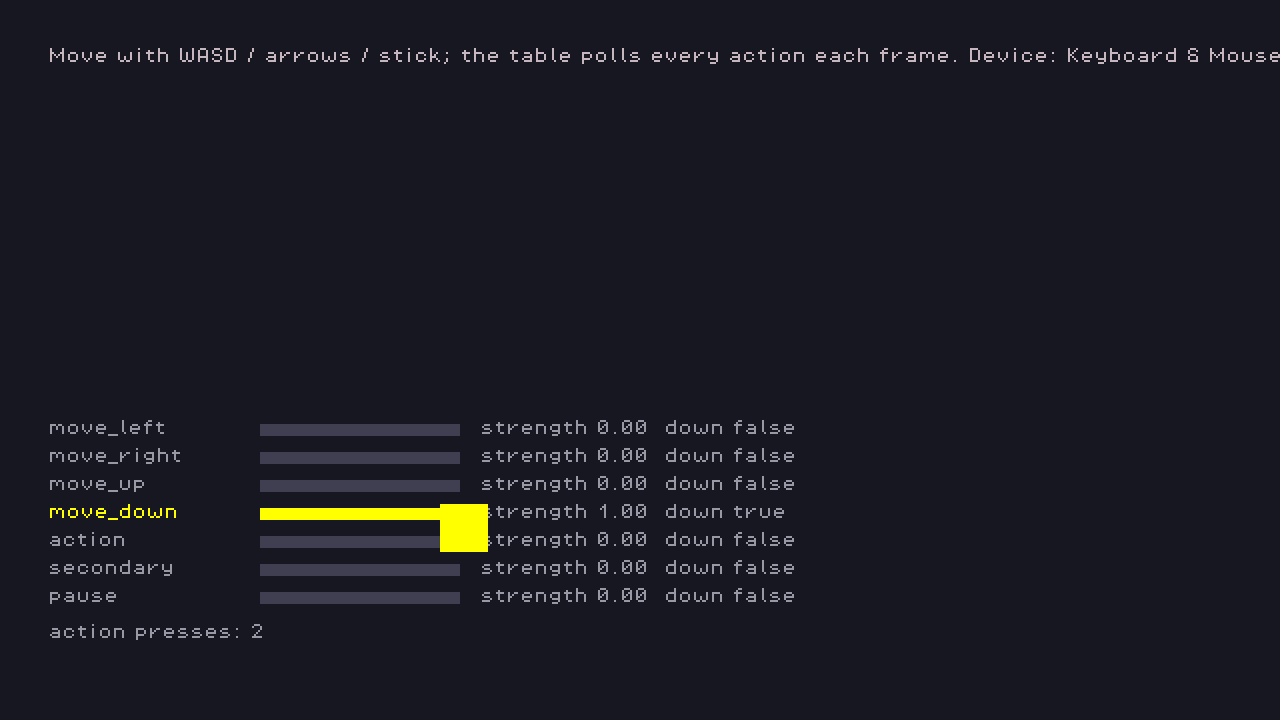
Read named actions with down, pressed, strength and vector instead of keys or buttons.
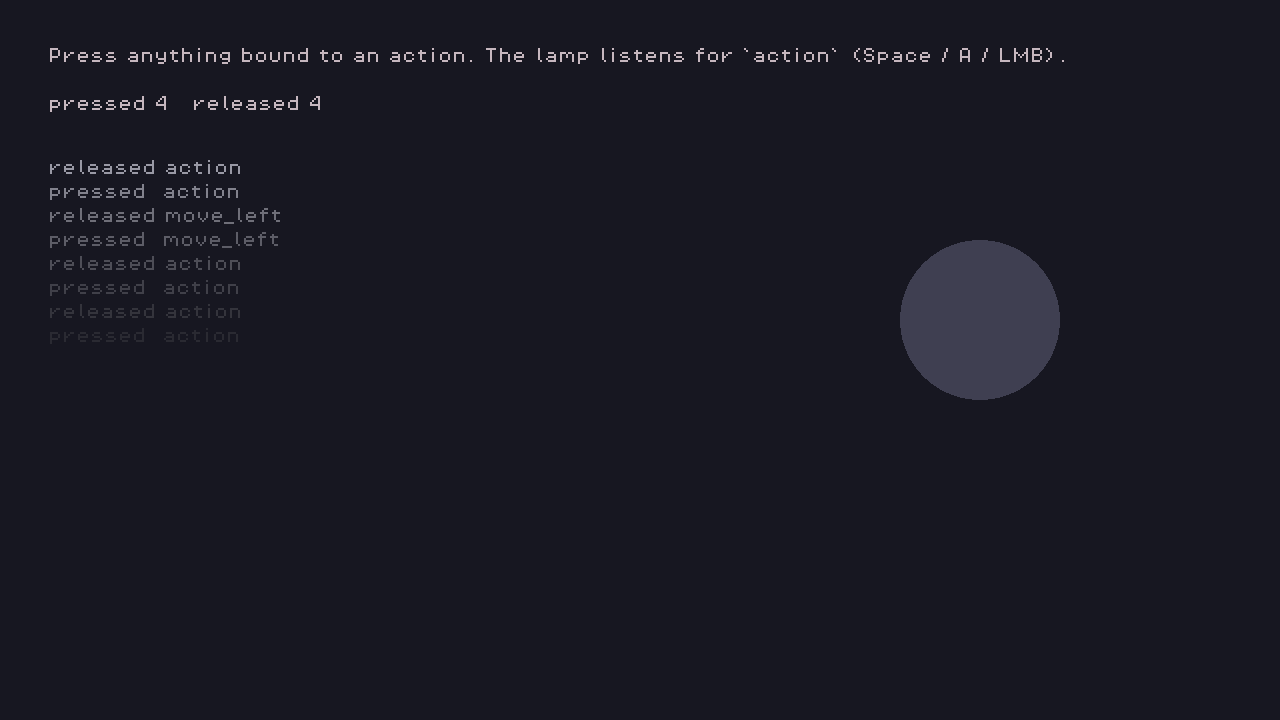
Action events
Scenes and game objects receive onActionPressed and onActionReleased callbacks for named actions.
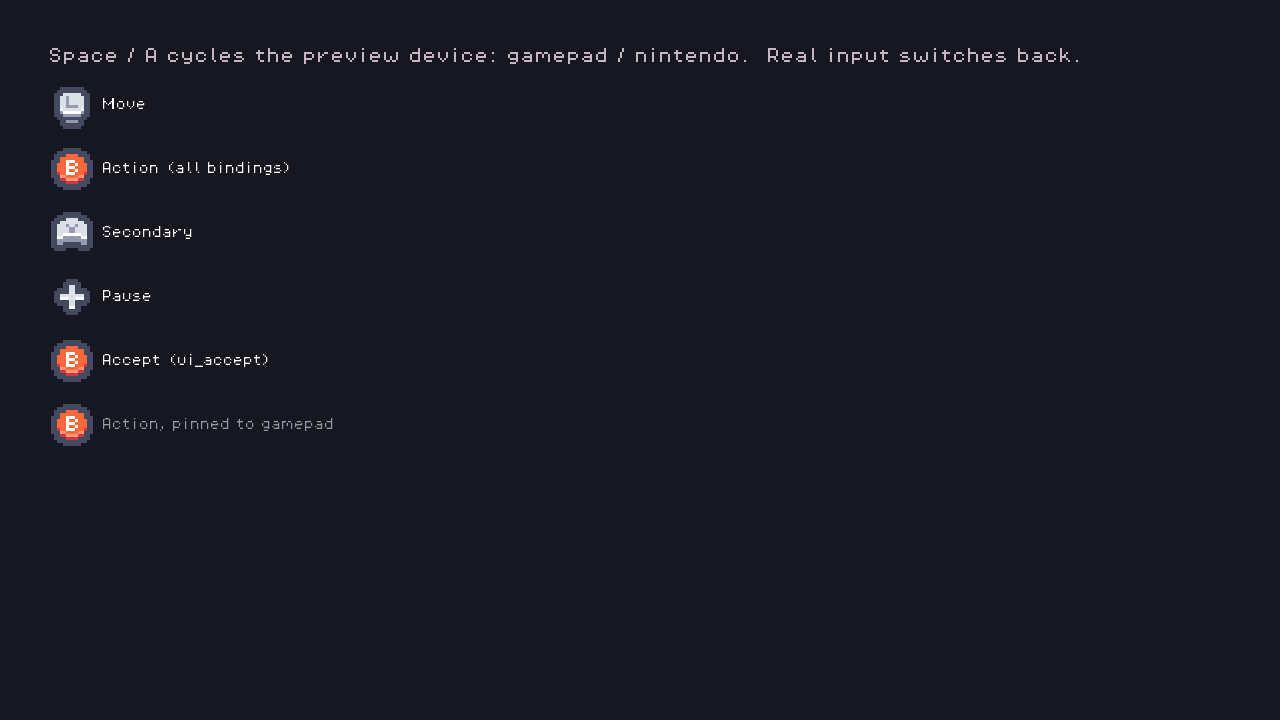
Input prompts
InputPrompt draws the glyph for whatever an action is bound to on the active device; cycle the gamepad styles.
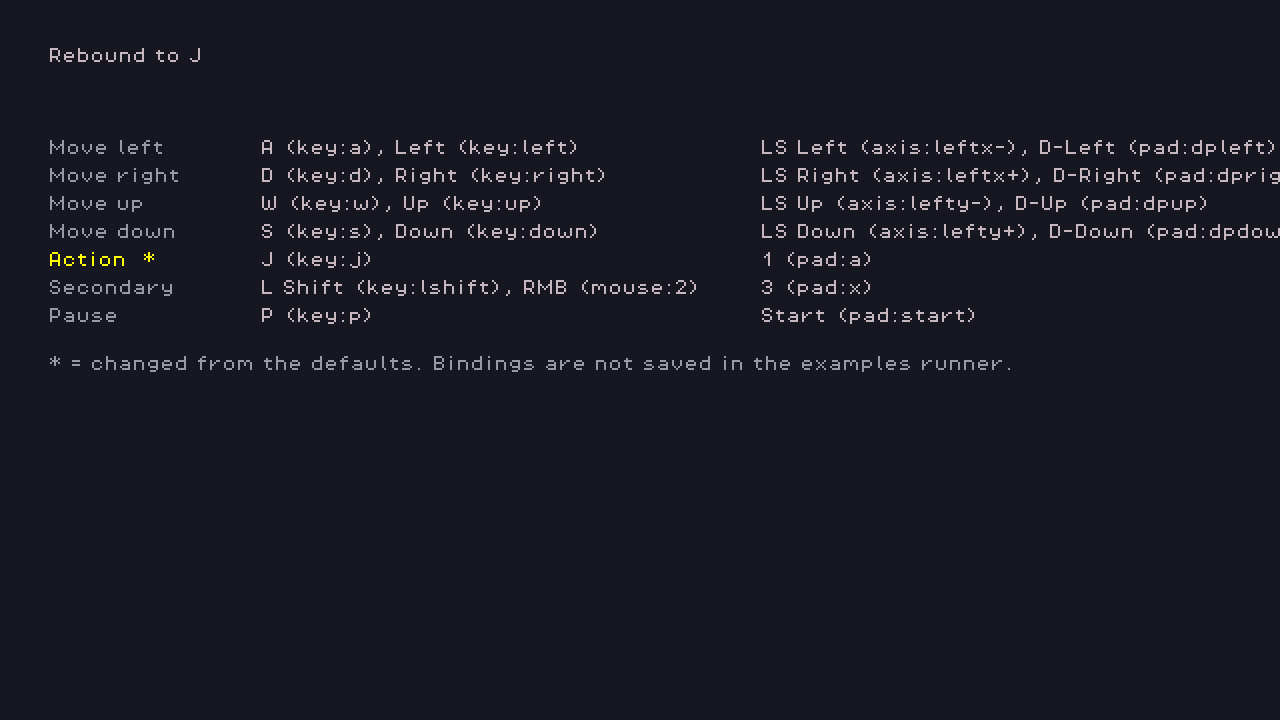
Rebinding at runtime
rebind replaces an action's bindings for one device; isDefault and resetToDefaults track changes.
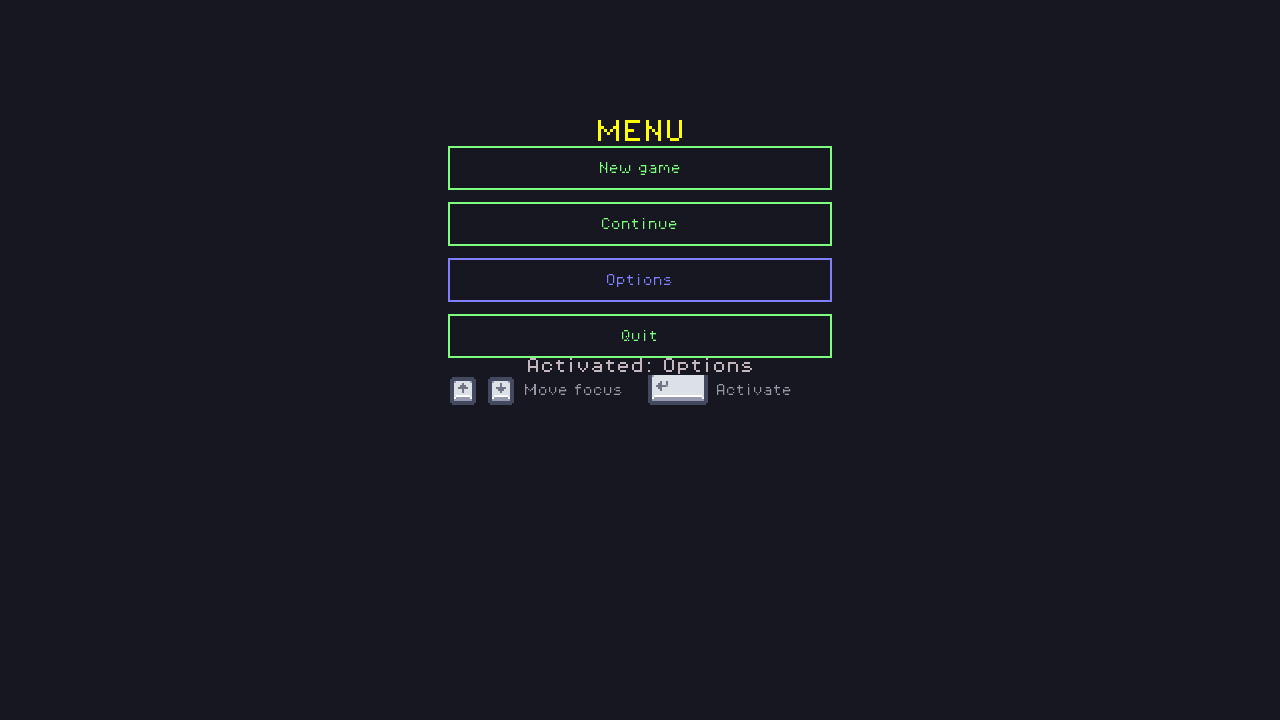
Menu navigation
A FocusGroup moves focus between Buttons with the ui_* actions and activates the focused one.
UI
Boxes, flex rows, text, buttons, bars and a HUD.
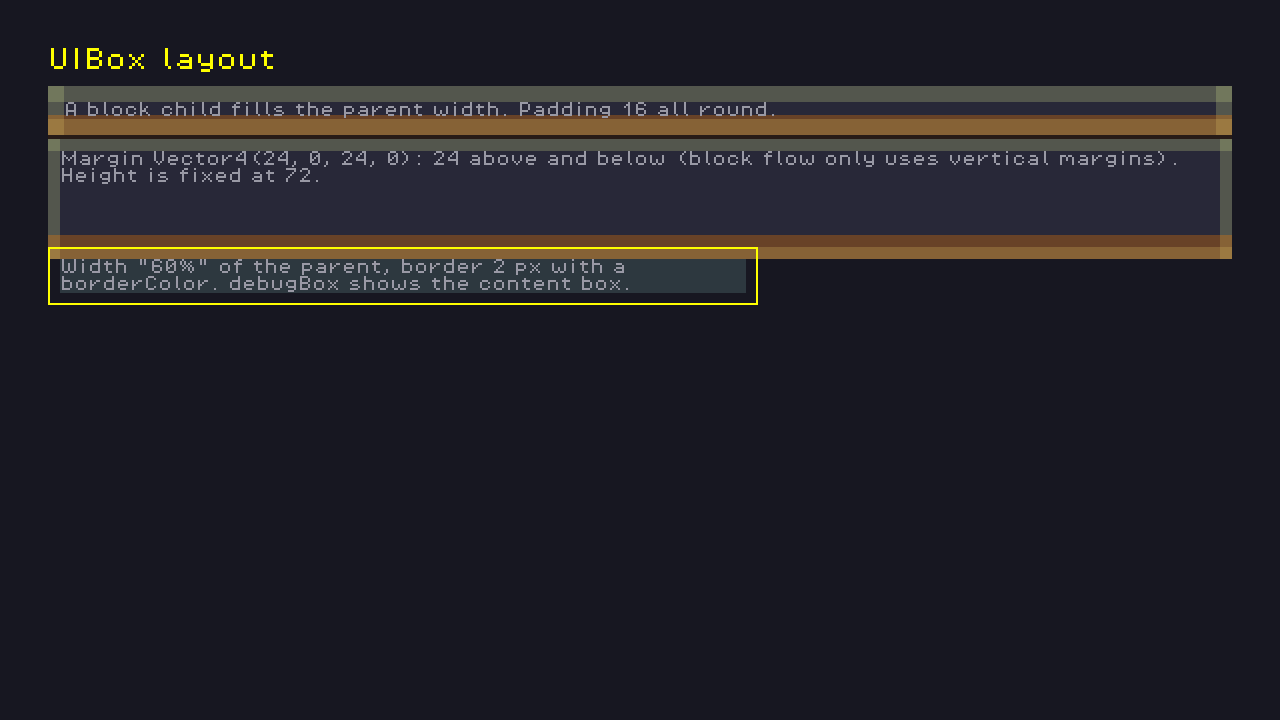
Boxes, padding and margins
UICanvas and UIBox stack children vertically; padding and margin are Vector4(top, right, bottom, left), and debug flags show them.
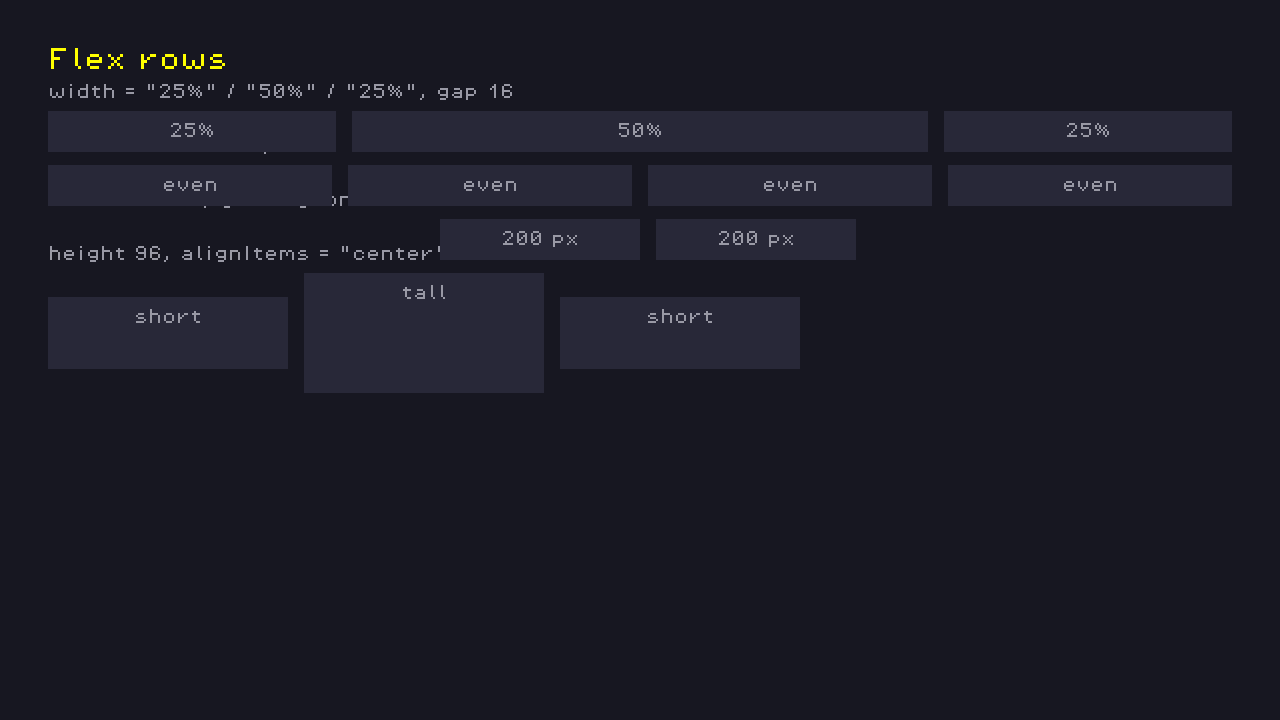
Flex row
display = "flex" with flexDirection = "row" lays children out horizontally, with gap, percentage widths, justifyContent and alignItems.
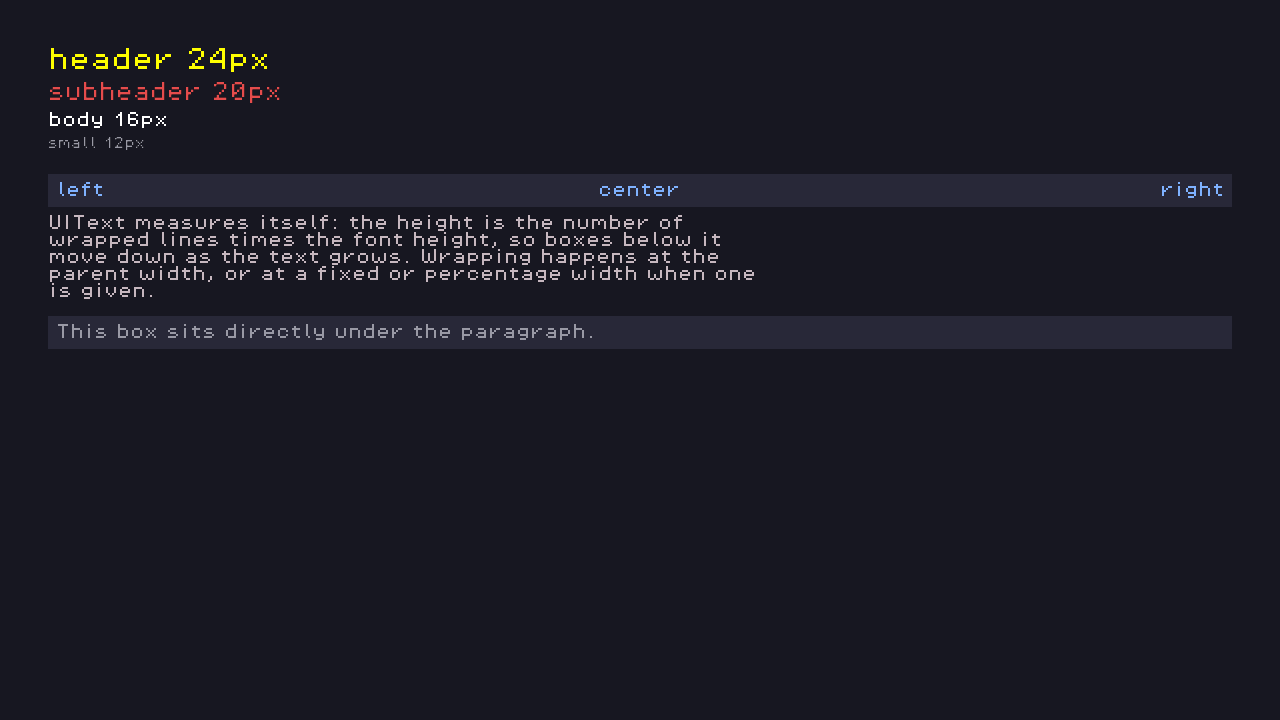
Text styles
UIText with the four contract fonts, colours, alignment and automatic wrapping that sets its own height.
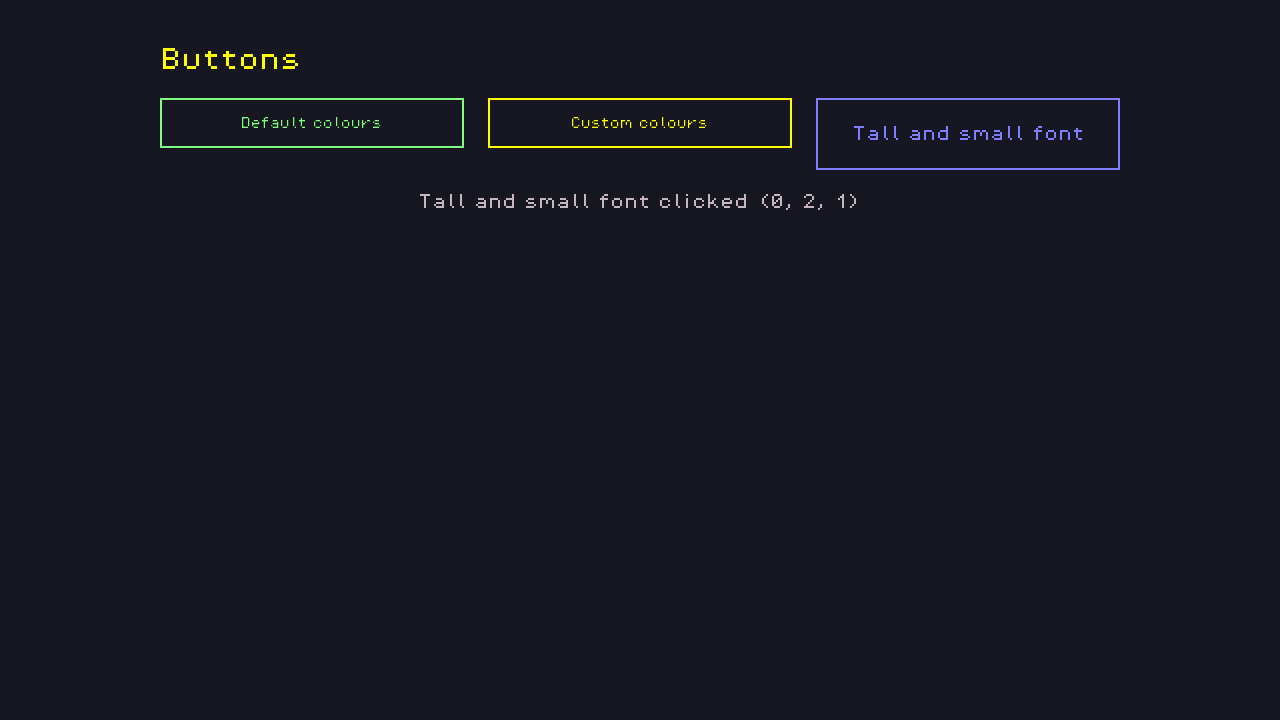
Buttons
Button handles hover, click and keyboard activation; define onClick on the instance before adding it.
Progress bars
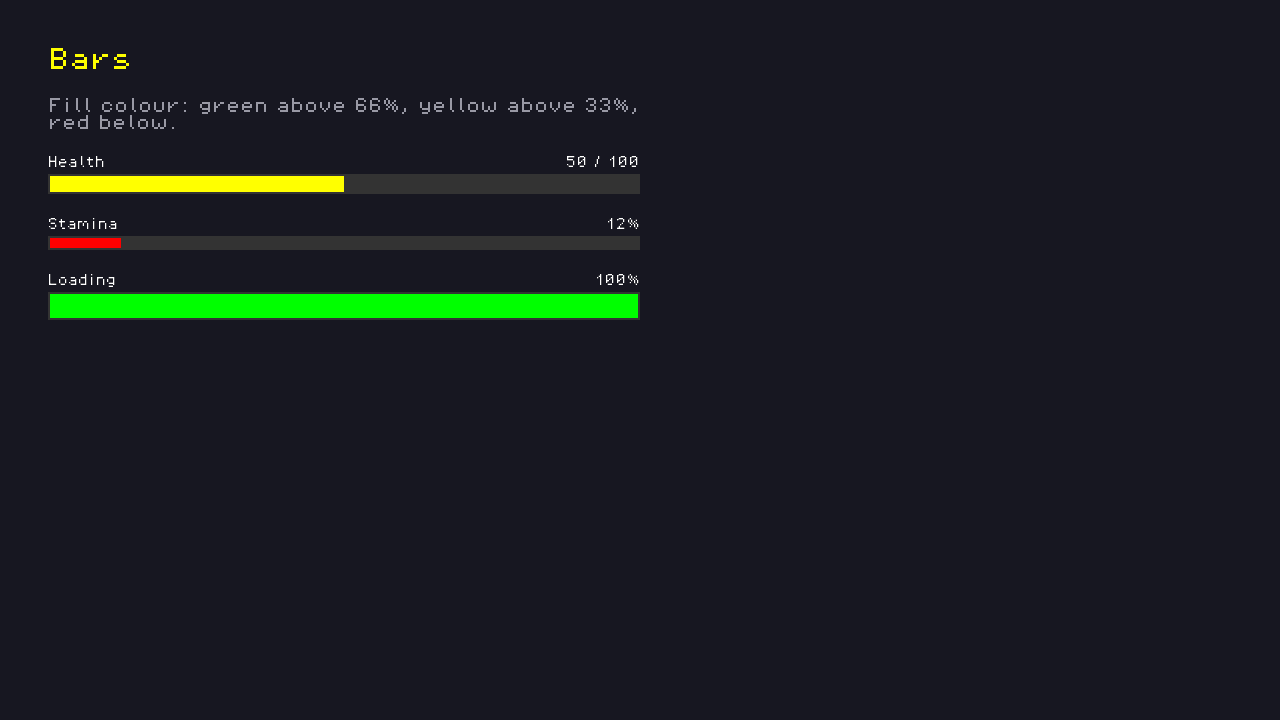
UIBar shows a label, a value and a fill that changes colour as updateValue moves it.
A HUD
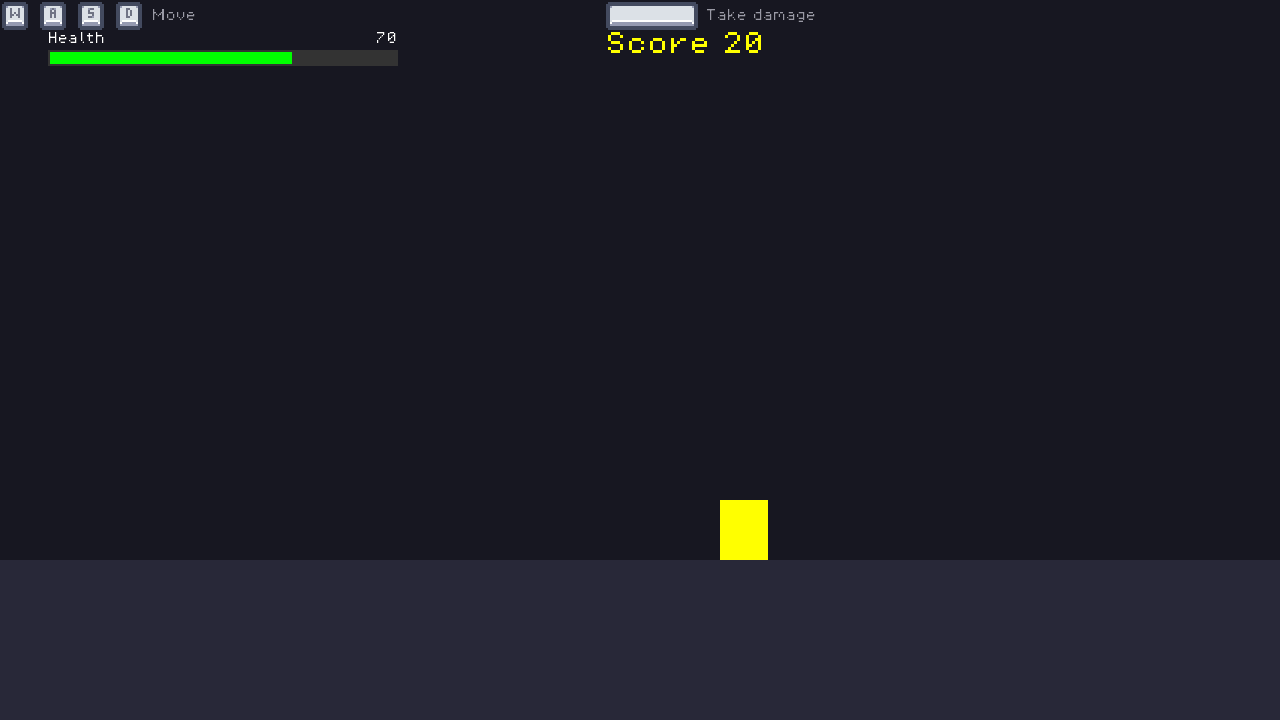
World objects and a screen-space HUD together: health bar, score and a hint, all bound to game state in update().
Collision
AABB overlap, rigid bodies, hit and hurt boxes, triggers.
Rectangle overlap
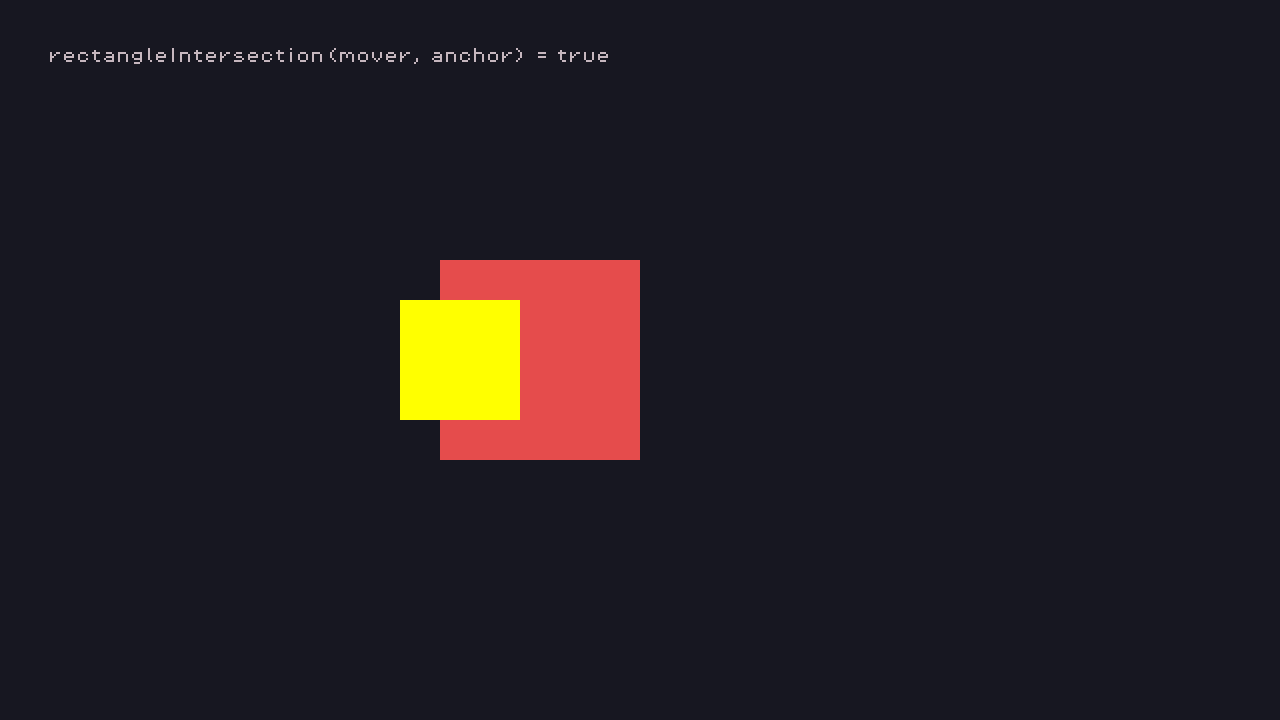
Axis-aligned overlap tests with rectangleIntersection and GameObject.rectsIntersect, highlighting the shared area.
Rigid bodies
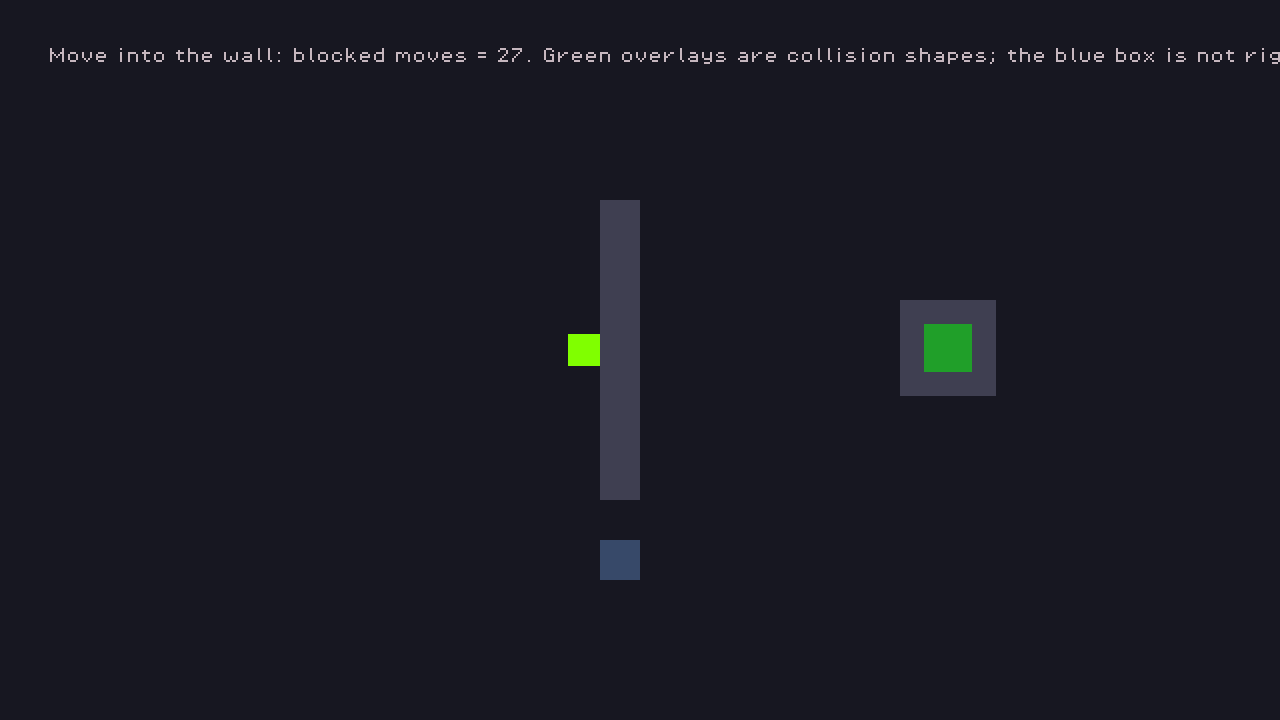
setRigidBody makes setPos refuse moves that would overlap another rigid body; debugShape shows the collision shapes.
Hit and hurt boxes
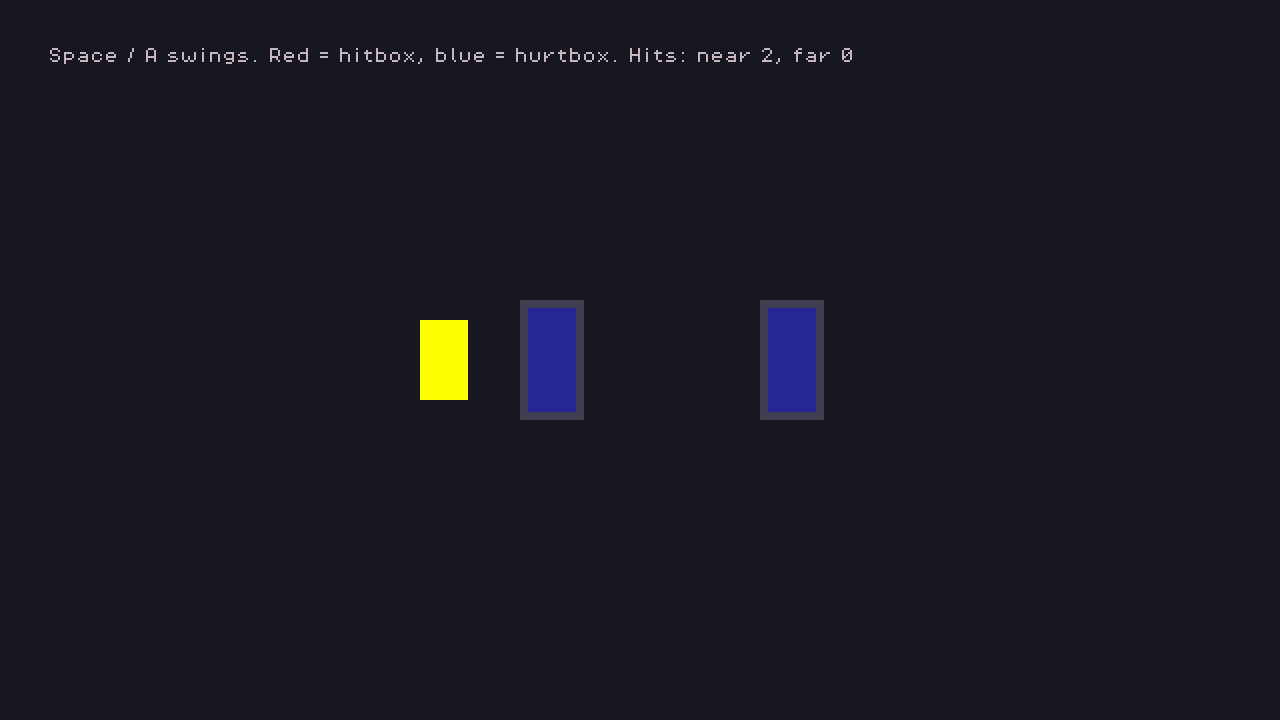
The HitHurtBox mixin gives objects offset hitboxes and hurtboxes; checkCollisionsWith finds targets of a class.
Trigger zones
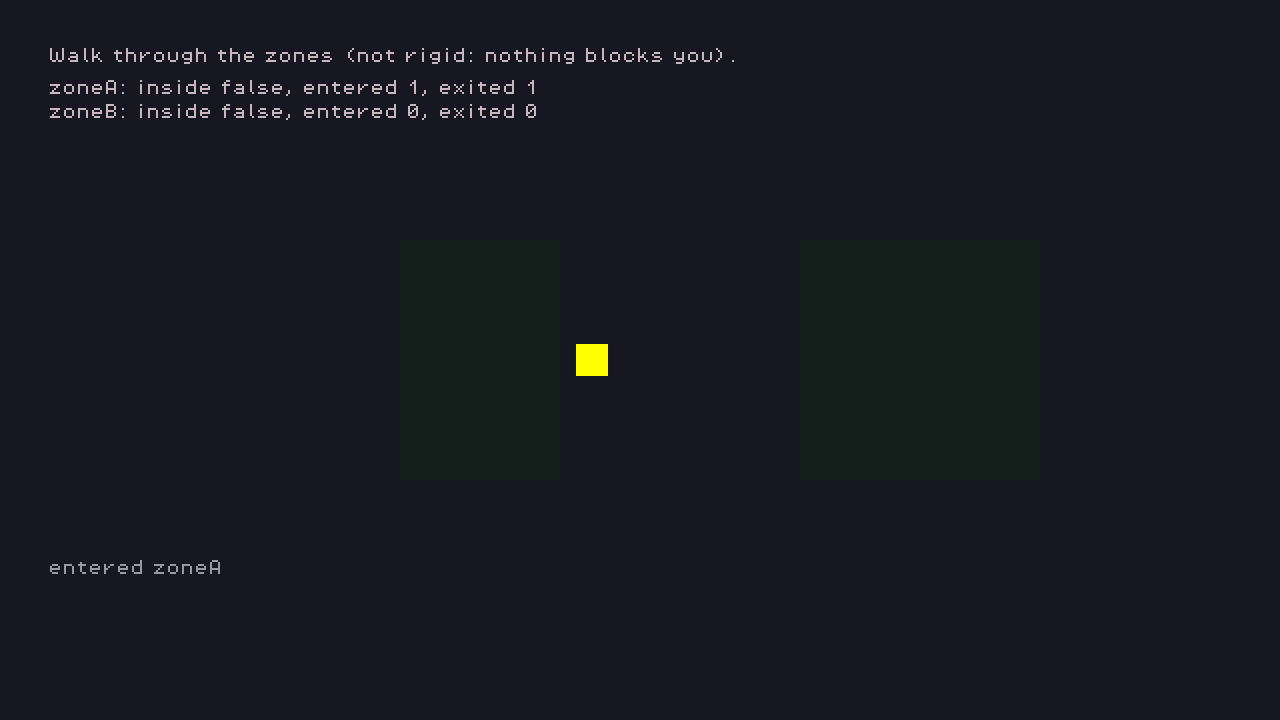
A non-rigid zone detects when the player enters and leaves it using rect overlap tests each frame.
Lighting
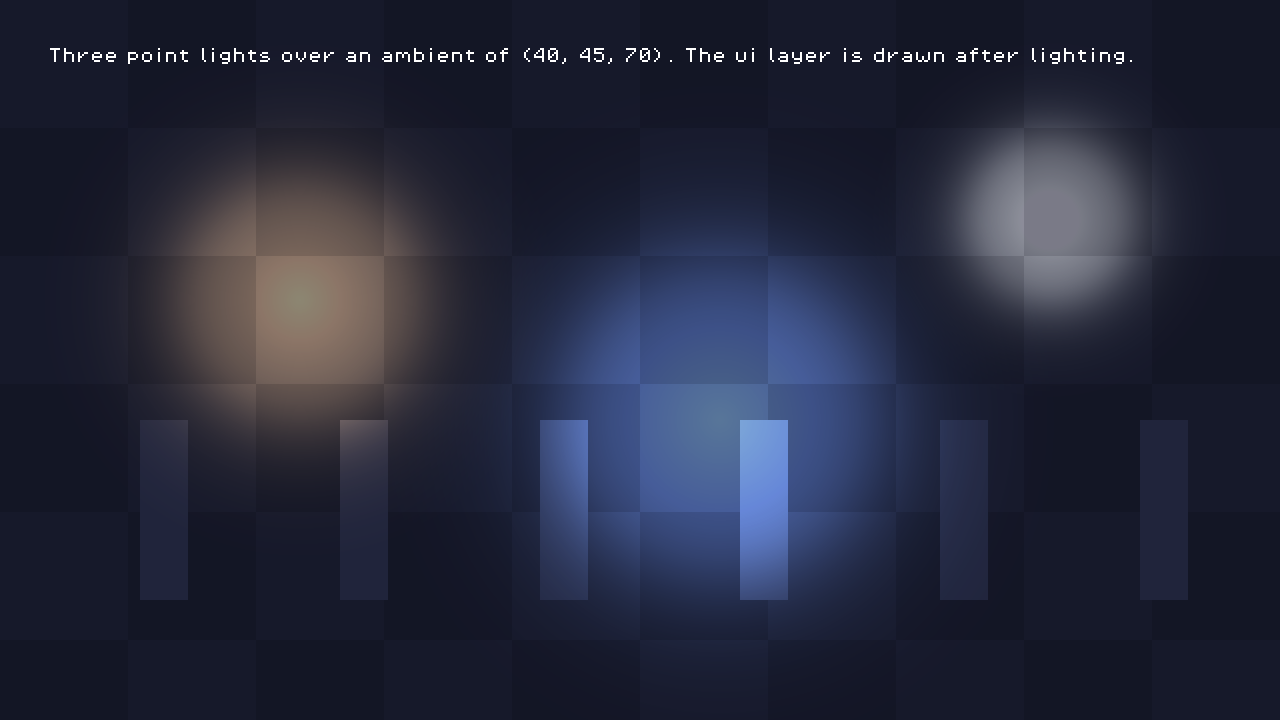
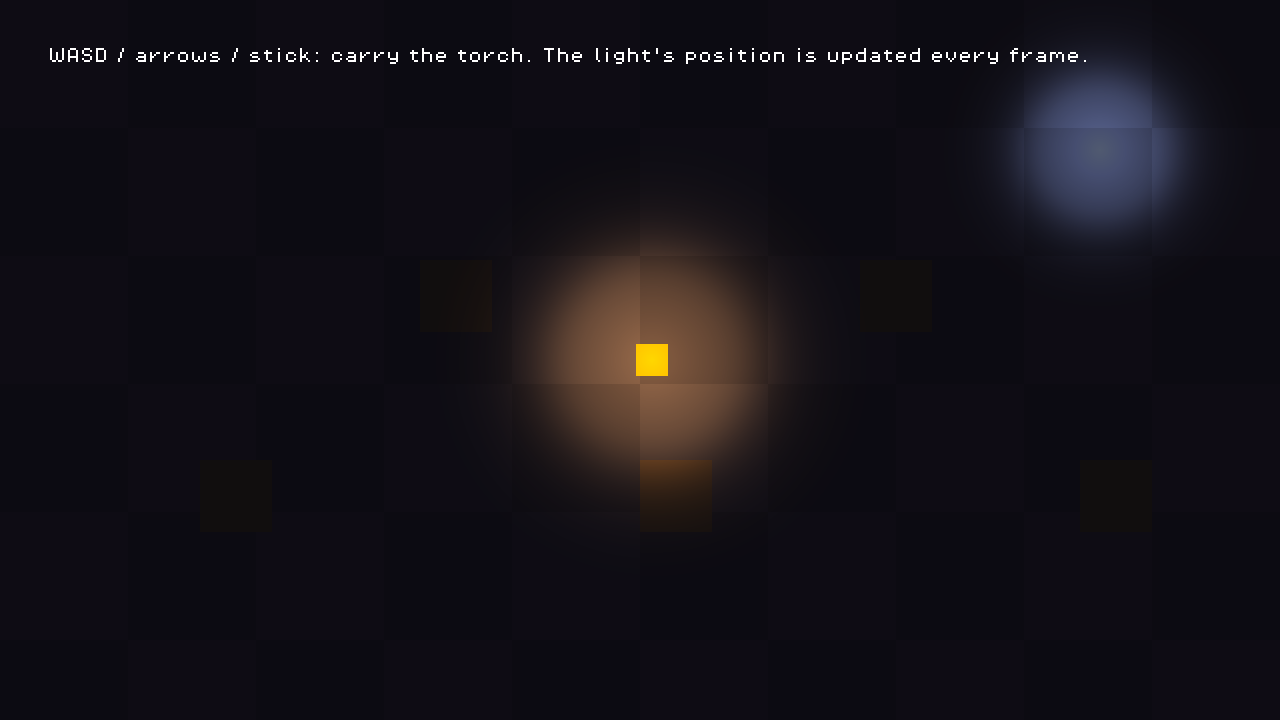
Point lights with the LightManager.
Post-processing
Full-screen shaders and shader chains.
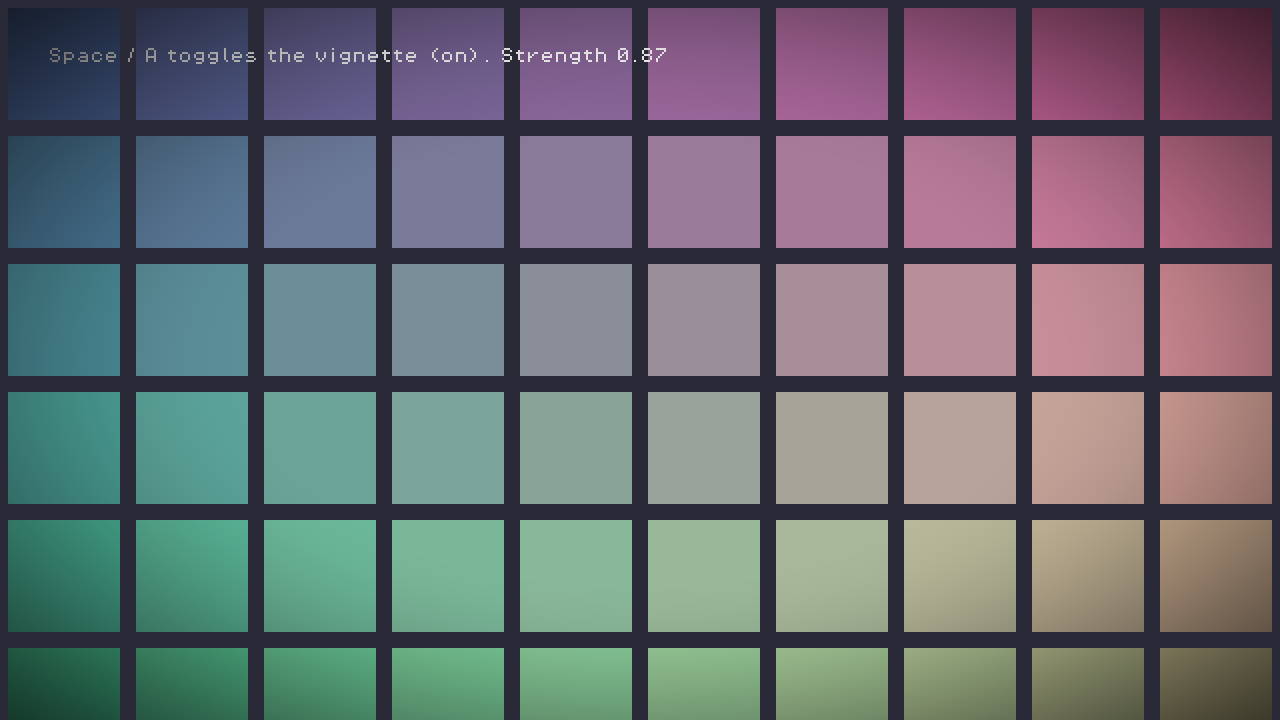
Vignette shader
A full-screen shader declared on the example; the scene feeds it a uniform each frame through updateShaderUniforms.
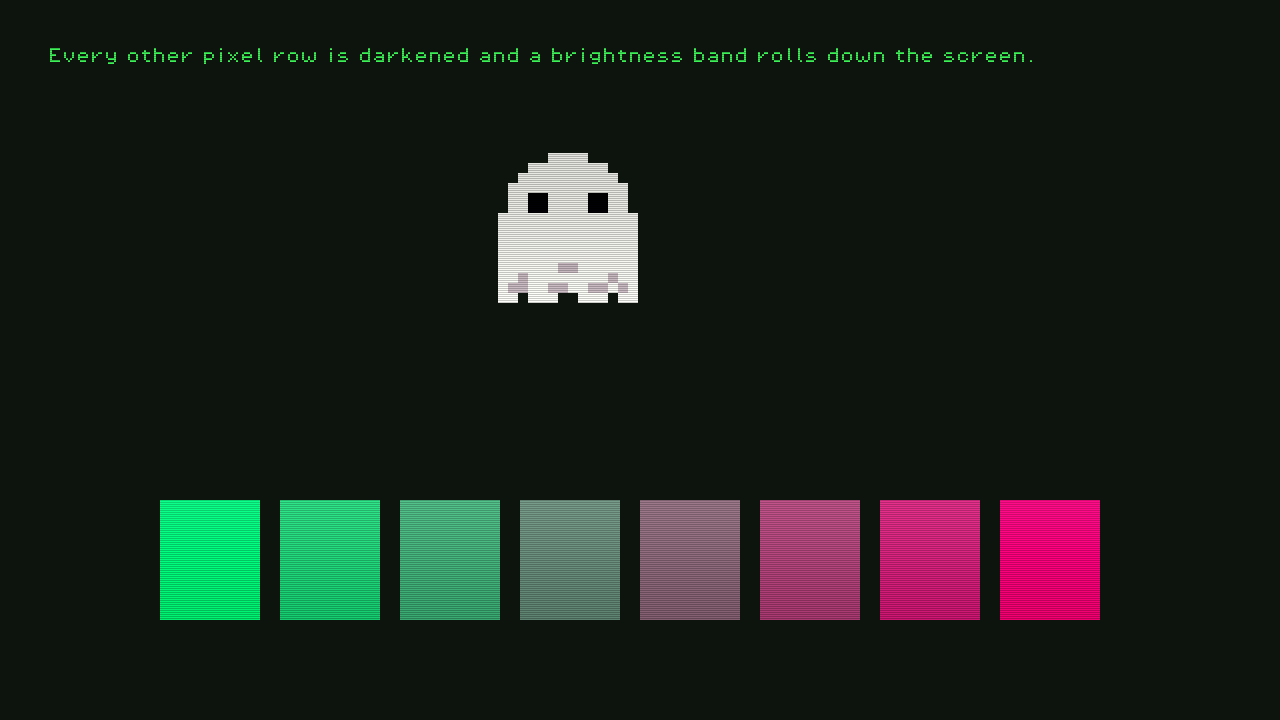
Scanlines
A time-driven shader: PostProcessing keeps a running clock and hands it to sendUniforms every frame.
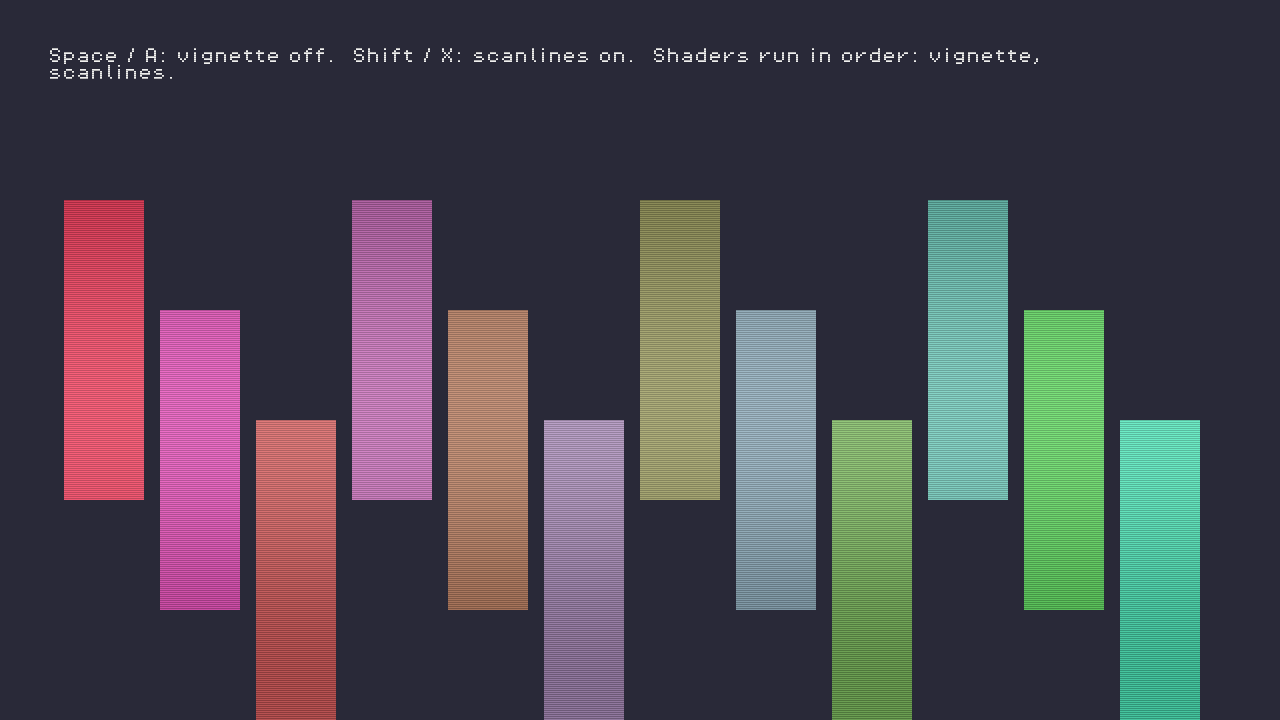
Chaining shaders
Several shaders run in order over the frame; each definition can be toggled with its enabled flag.
Utilities
Perlin noise, pathfinding, colours, vectors and serialisation.
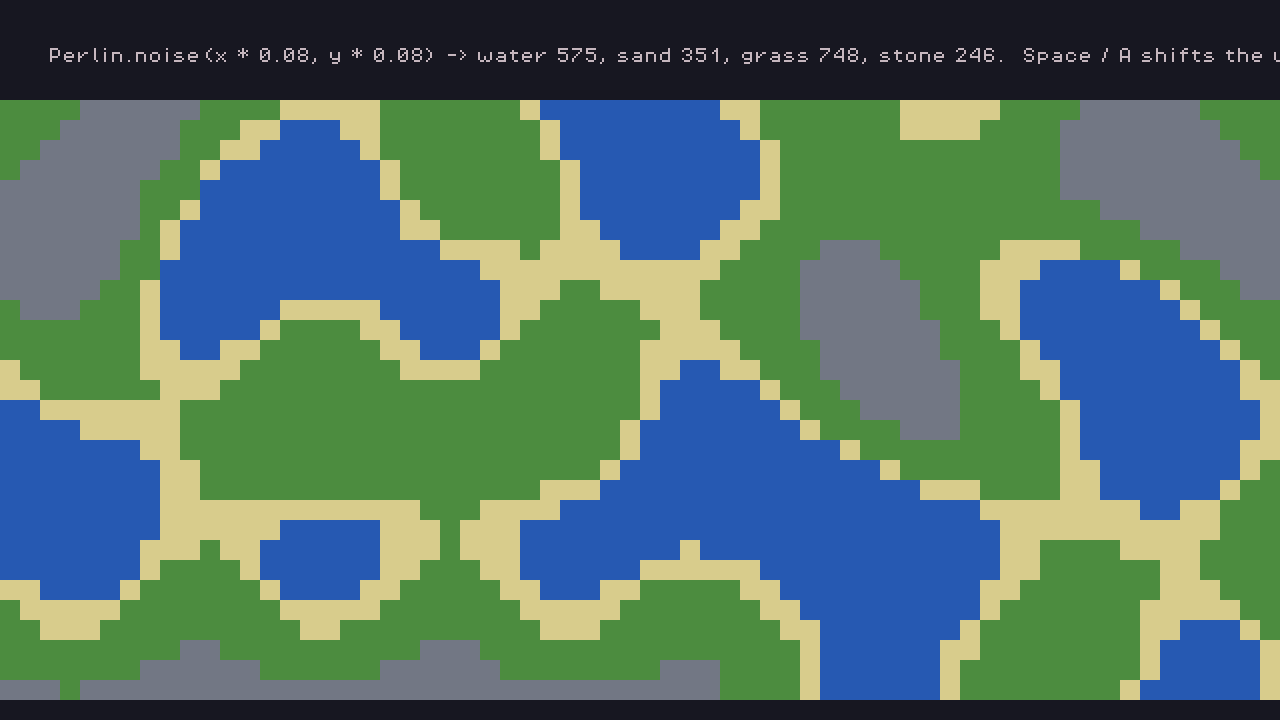
Perlin noise
engine/utils/perlin samples 2D noise in 0..1; thresholds turn it into a terrain map.
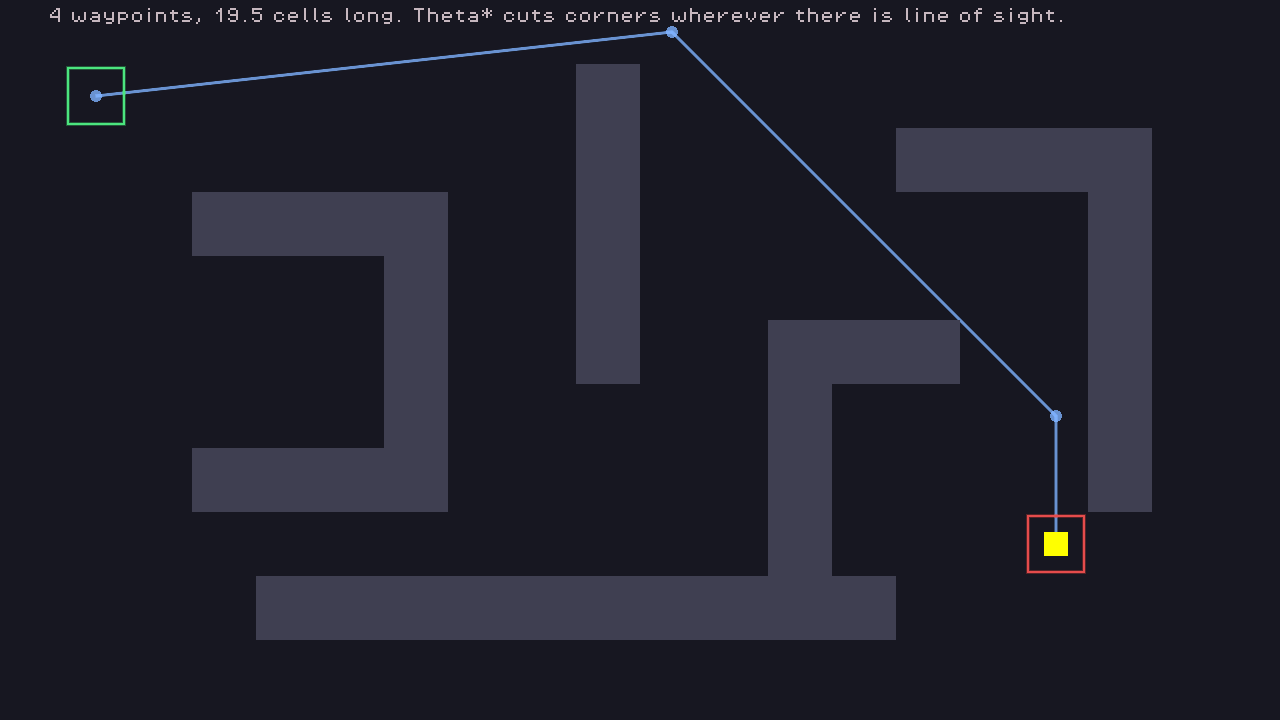
Theta* pathfinding
theta.findPath returns any-angle waypoints across a grid of walls; an agent walks the path.
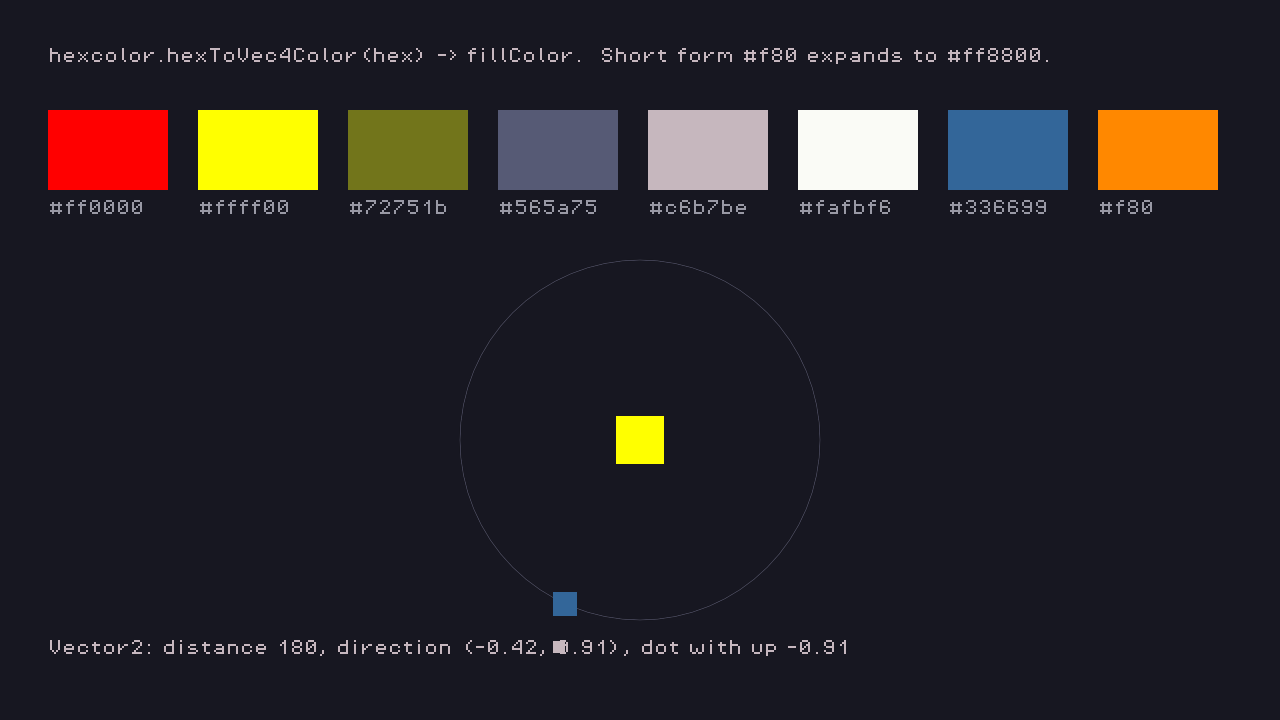
Hex colours and vectors
hexcolor turns "#rrggbb" strings into colour tables or Vector4s; Vector2 does the maths for an orbit.
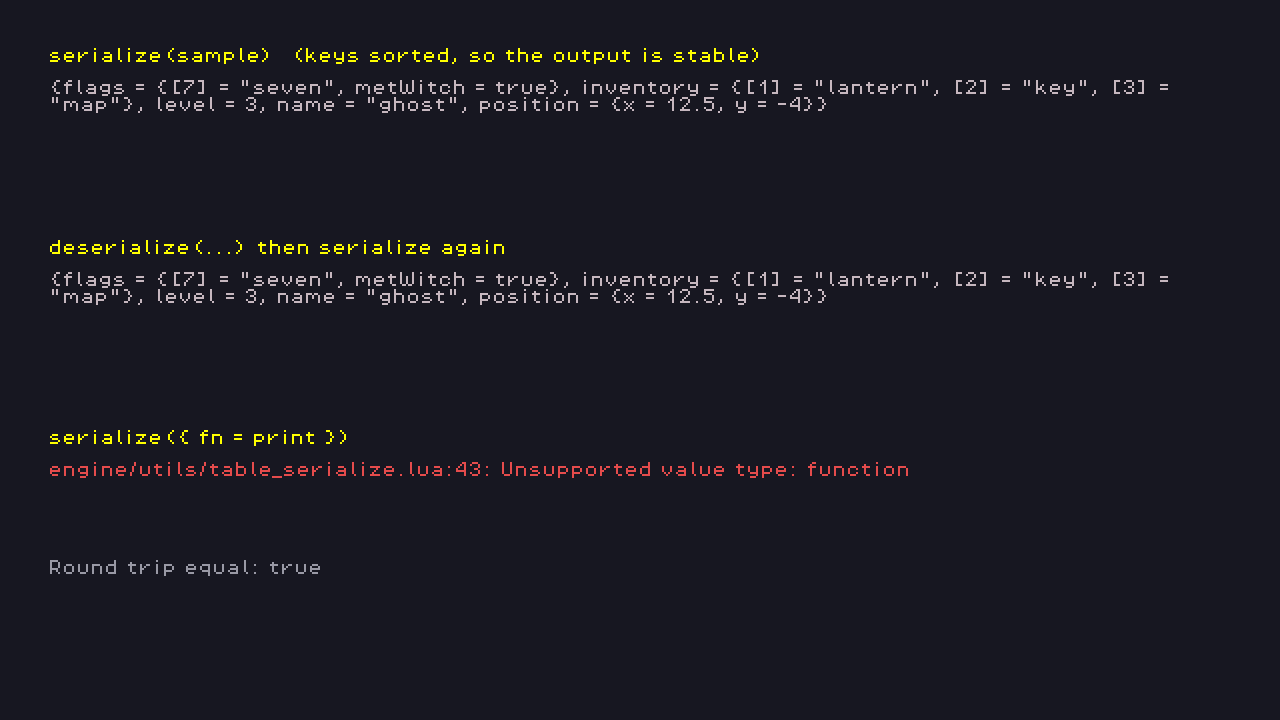
Serialising tables
table_serialize turns plain data into deterministic Lua source and back; the save manager uses it.
State and saves
The State container and the save manager.
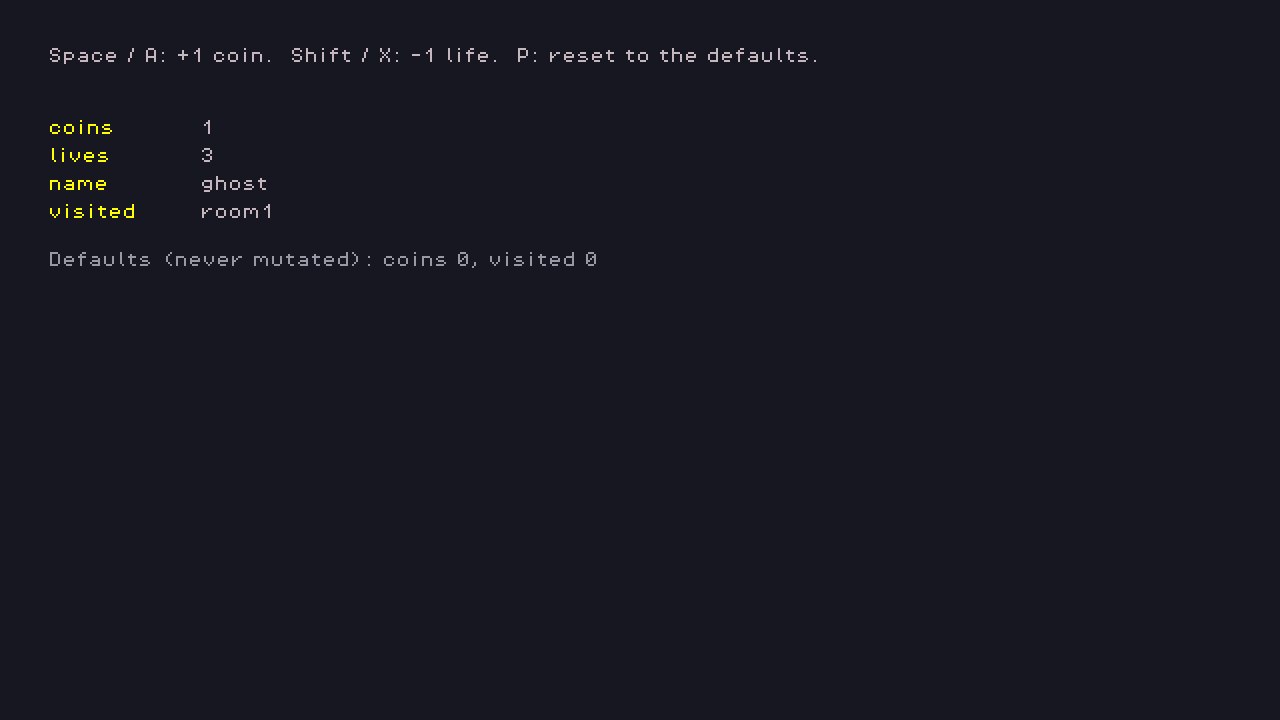
State container
engine/State holds game state with get, set and reset; the defaults are deep-copied so reset really restores them.
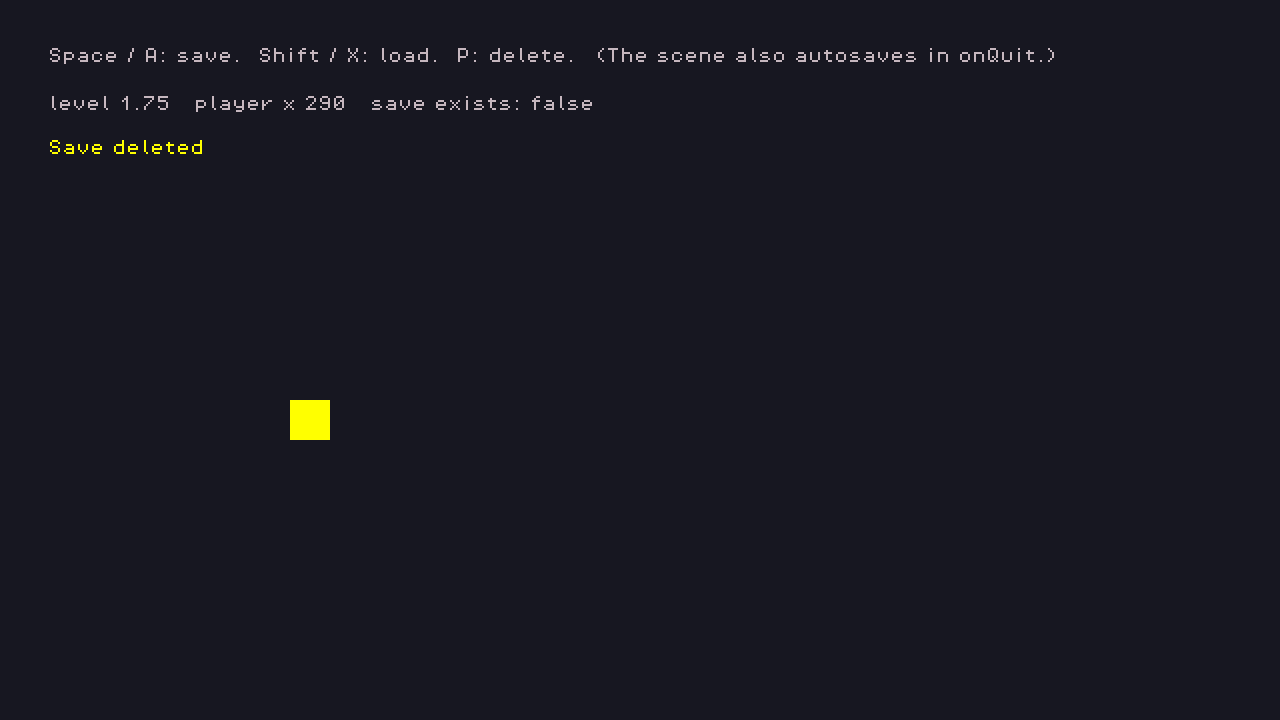
Saving and loading
saveManager writes one table to the save directory and reads it back; delete clears the slot and nothing ever throws.
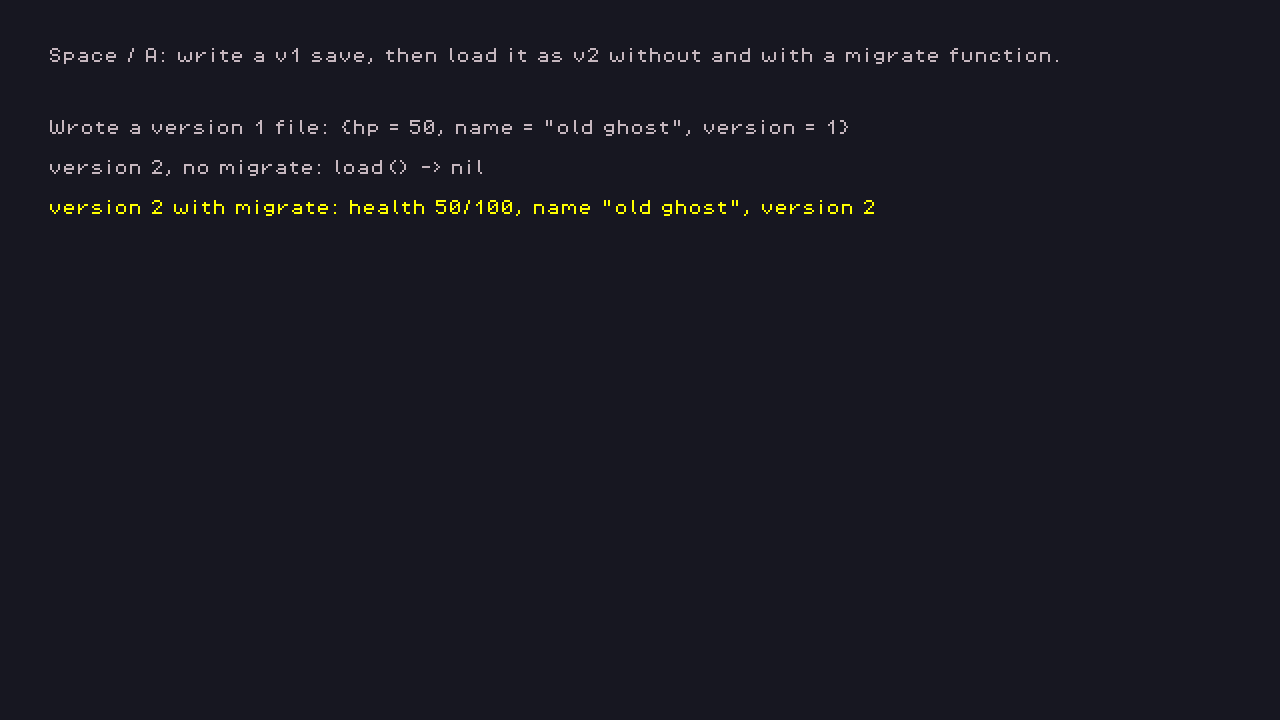
Save versioning
A migrate function upgrades older saves to the current schema; incompatible saves without one load as nil.
Device
Importing a file from the device, and the camera.
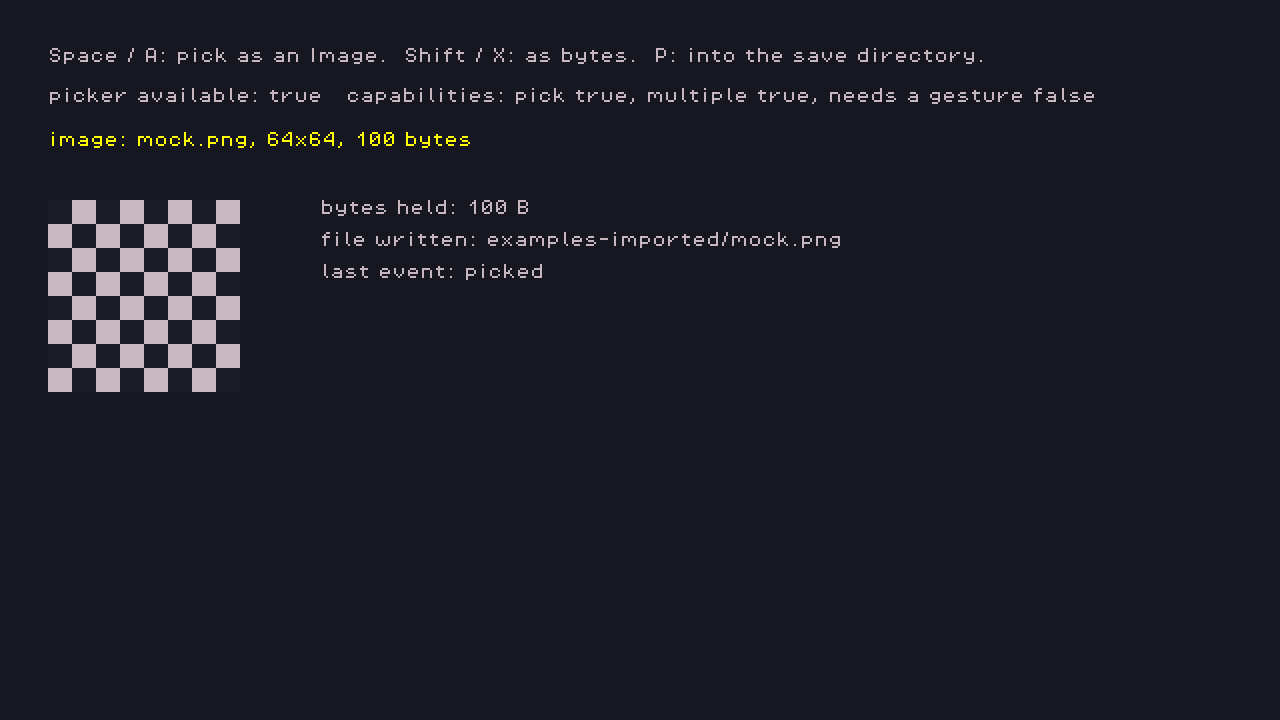
Picking a file
filePicker opens the device's own picker and hands the file back as a drawable Image, as raw bytes, or as a file in the save directory.
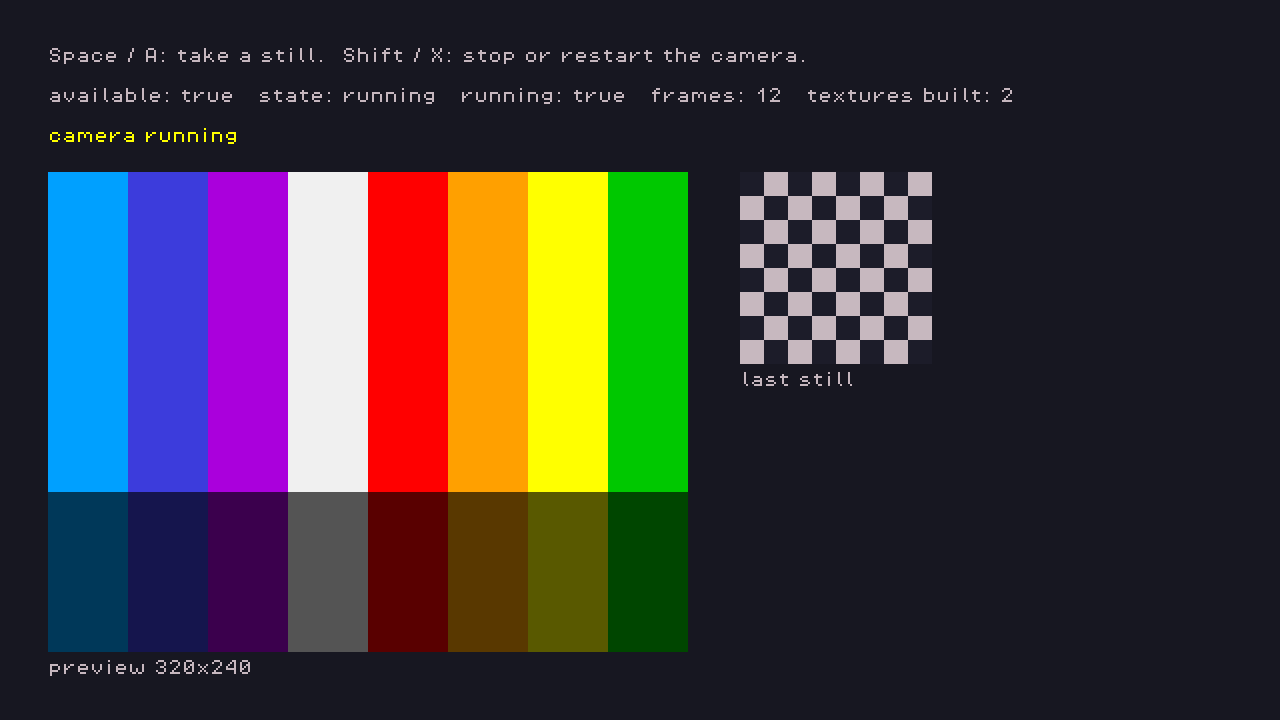
Camera preview and capture
deviceCamera streams the device camera into one reused texture and takes stills; the preview is a love.Image you draw like any other.