UI
Progress bars
UIBar shows a label, a value and a fill that changes colour as updateValue moves it.
- UIBar
- updateValue
- BarFill
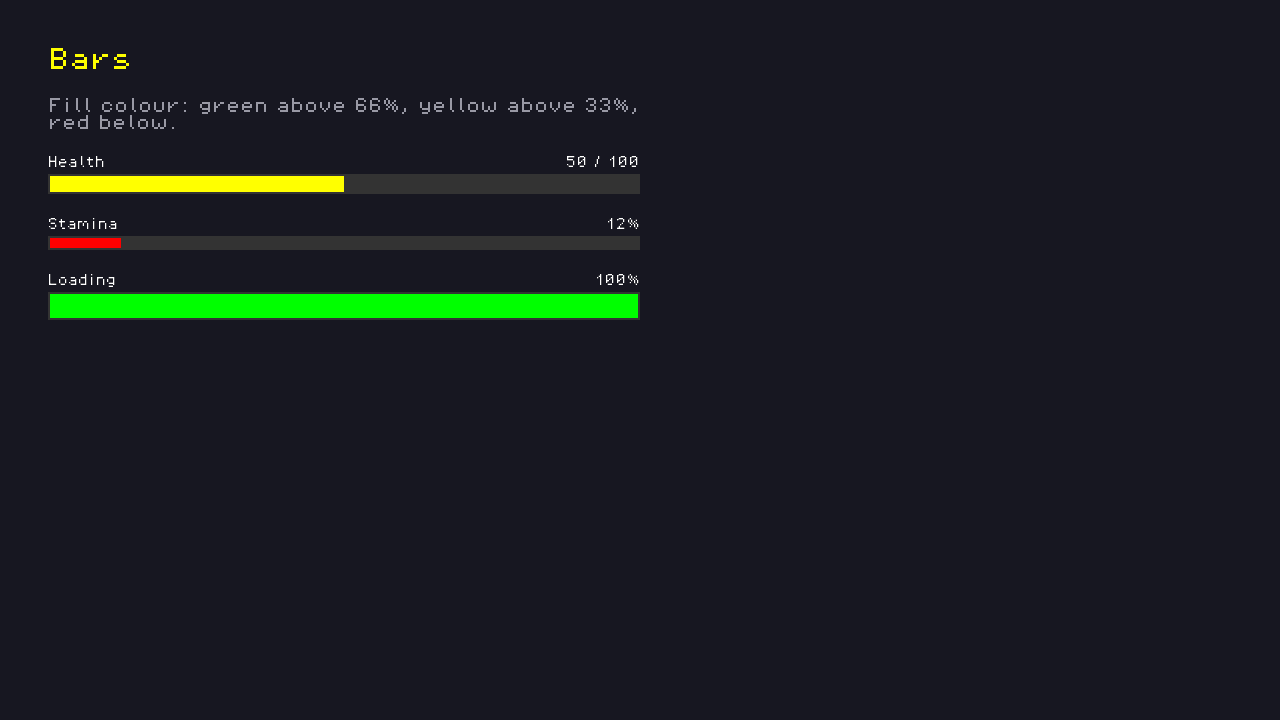
Source
examples/ui/bars.lua · 59 lines · Open on GitHub
-- title: Progress bars
-- description: UIBar shows a label, a value and a fill that changes colour as updateValue moves it.
-- order: 5
-- tags: UIBar, updateValue, BarFill
local Scene = require "engine.Scene"
local Vector4 = require "engine.Vector4"
local UICanvas = require "engine.ui.UICanvas"
local UIBox = require "engine.ui.UIBox"
local UIText = require "engine.ui.UIText"
local UIBar = require "engine.ui.UIBar"

---@class UIBars : Scene
local Example = Scene.extend(Scene)

function Example:new()
  Example.super.new(self, "ui/bars")
  self.backgroundColor = { 0.09, 0.09, 0.13, 1 }
  self.elapsed = 0
end

function Example:load()
  -- UIBar(name, title, valueText, percent, height)
  self.health = UIBar("health", "Health", "100 / 100", 100, 16)
  self.stamina = UIBar("stamina", "Stamina", "50%", 50, 10)
  self.loading = UIBar("loading", "Loading", "0%", 0, 24)
  self:addGameObject(UICanvas("barsUI", {
    UIBox("barsPanel", {
      UIText("barsTitle", "Bars", { font = "header", color = Vector4(1, 1, 0, 1) }),
      UIText("barsHint", "Fill colour: green above 66%, yellow above 33%, red below.", { color = Vector4(0.6, 0.6, 0.65, 1) }),
      self.health,
      self.stamina,
      self.loading,
    }, { gap = 24, width = "50%" }),
  }, { padding = Vector4(48, 48, 48, 48) }))
end

function Example:update(dt)
  self.elapsed = self.elapsed + dt
  -- Health drains over 4 s, loading fills in 2 s, stamina oscillates.
  local health = math.max(0, math.floor(100 - self.elapsed * 25 + 1e-6))
  self.health:updateValue(health, health .. " / 100")
  local loading = math.min(100, math.floor(self.elapsed * 50 + 1e-6))
  self.loading:updateValue(loading, loading .. "%")
  local stamina = math.floor(50 + 50 * math.sin(self.elapsed * 2) + 1e-6)
  self.stamina:updateValue(stamina, stamina .. "%")
end

function Example.check(scene, ctx)
  if ctx.done then
    assert(scene.health.barFill.percent == 50, "health at 50 after 2 s, got " .. scene.health.barFill.percent)
    assert(scene.loading.barFill.percent == 100, "loading complete")
    assert(scene.health.valueText.text == "50 / 100", "value text follows")
    -- BarFill picks its colour from the percent on update.
    local fill = scene.health.barFill.fillColor
    assert(fill.x == 1 and fill.y == 1 and fill.z == 0, "50% is yellow")
  end
end

return Example